
Brindola POS · Botswana
The POS that keeps your venue moving.
Orders, kitchen screens and the daily close in one system. Runs on your own hardware, even when the internet drops.
14 days of Plus. No card required.
See it in action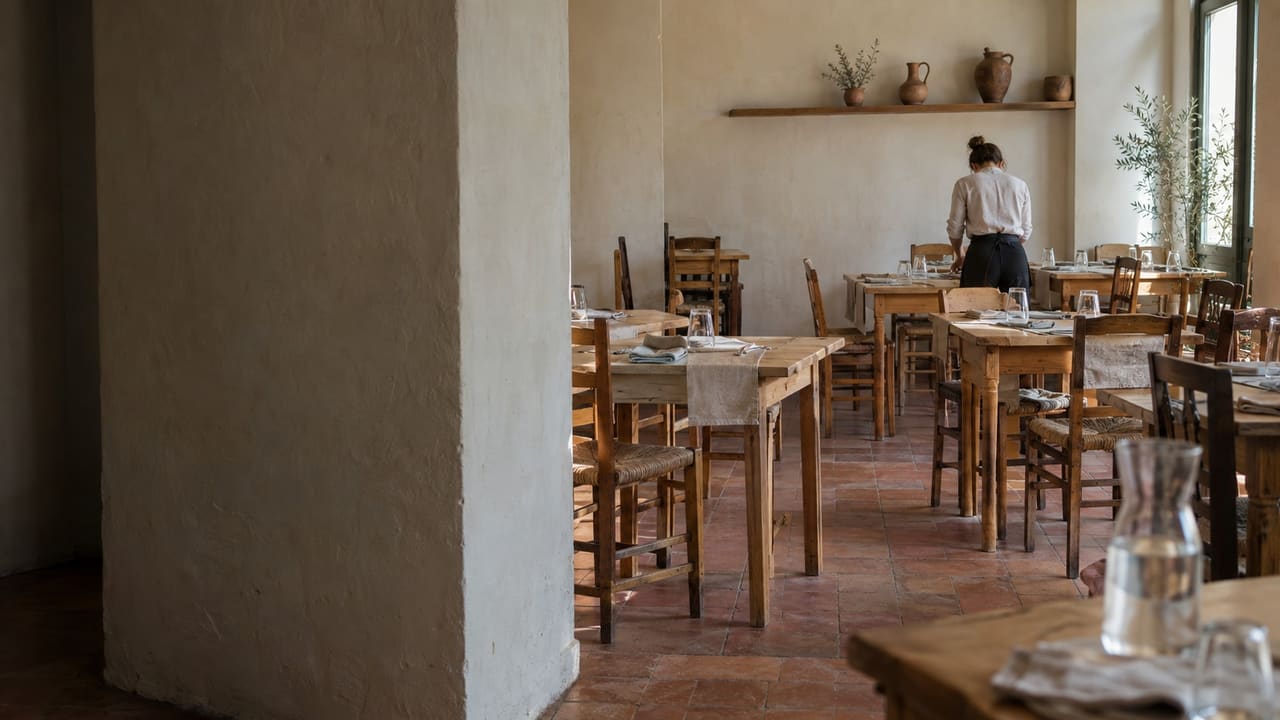
Product
From the first order to the last receipt
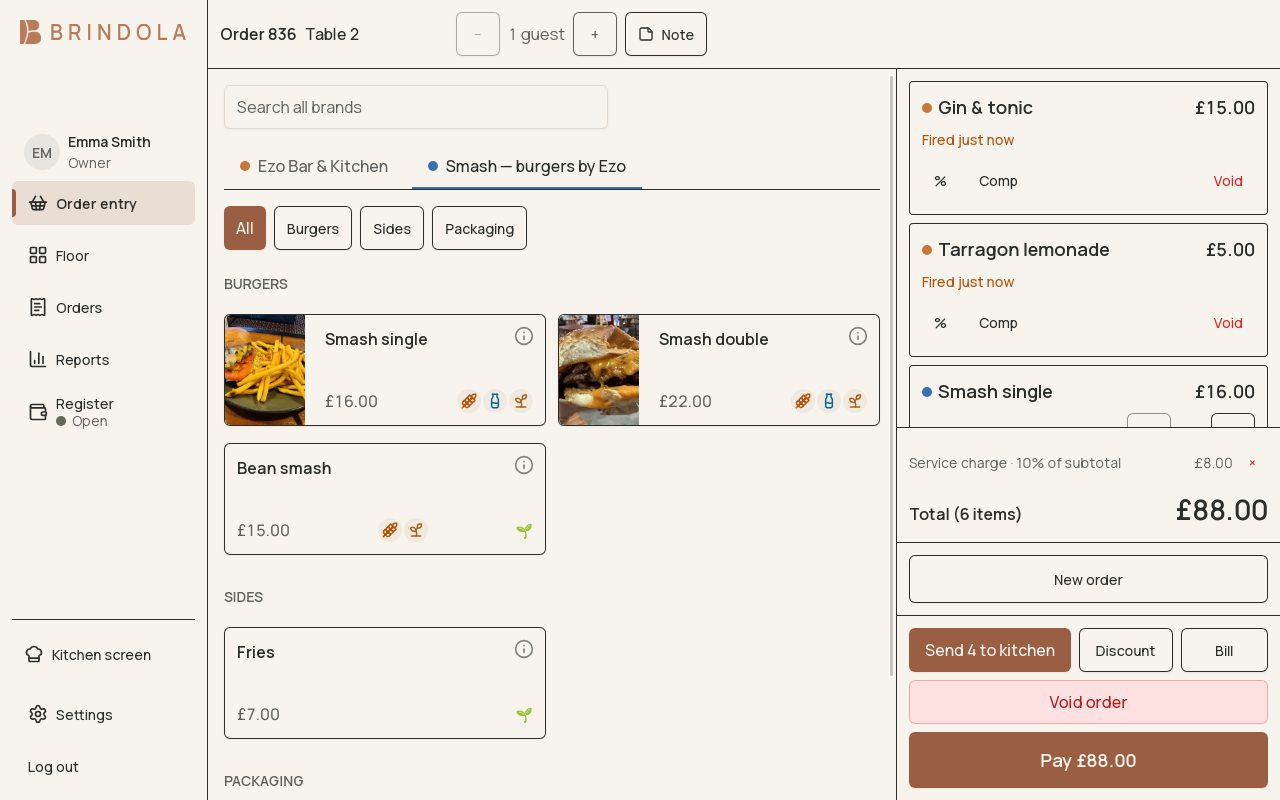
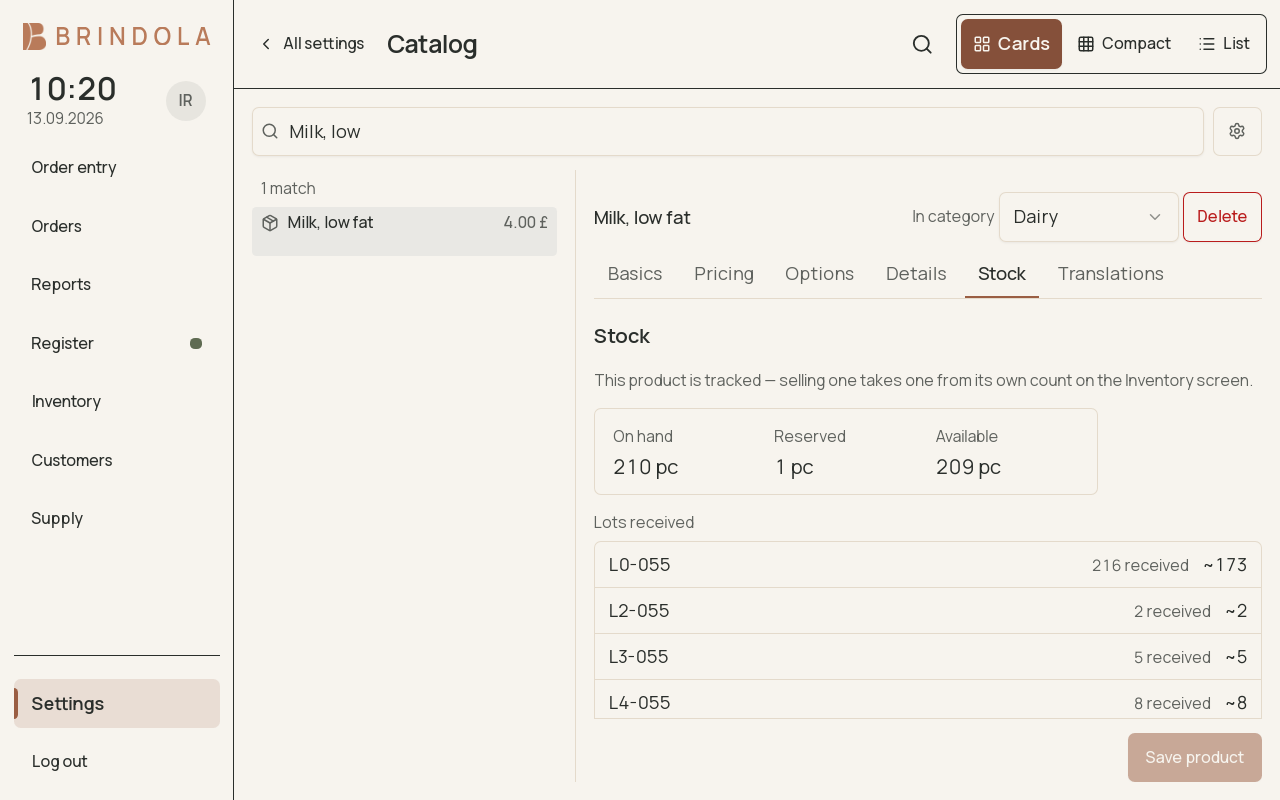
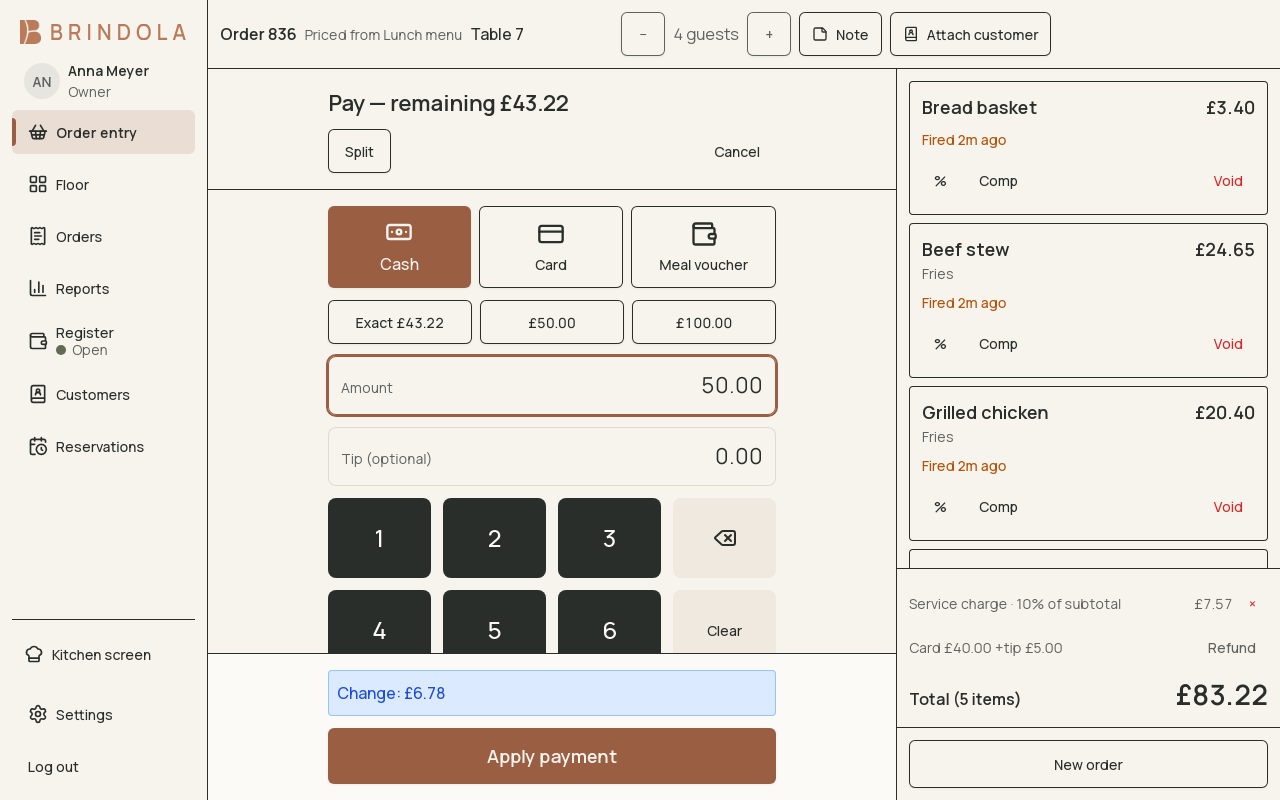
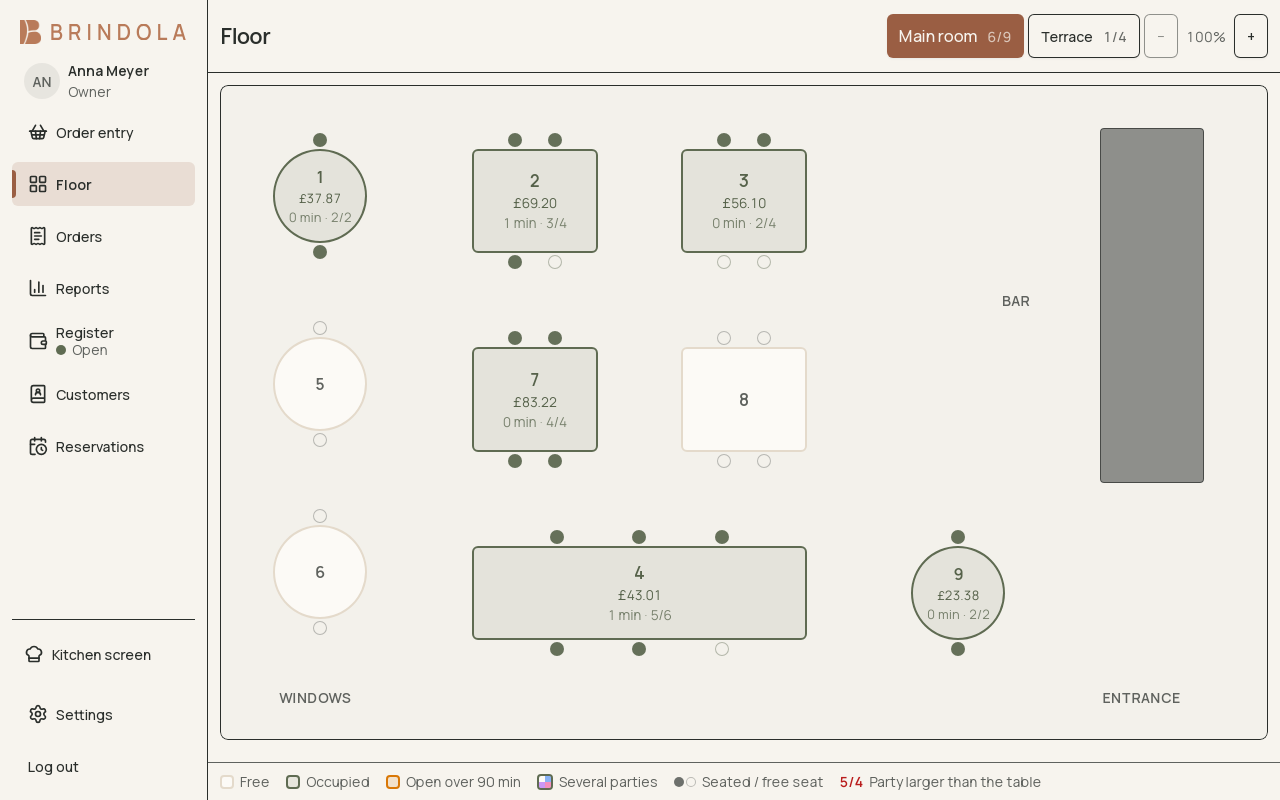
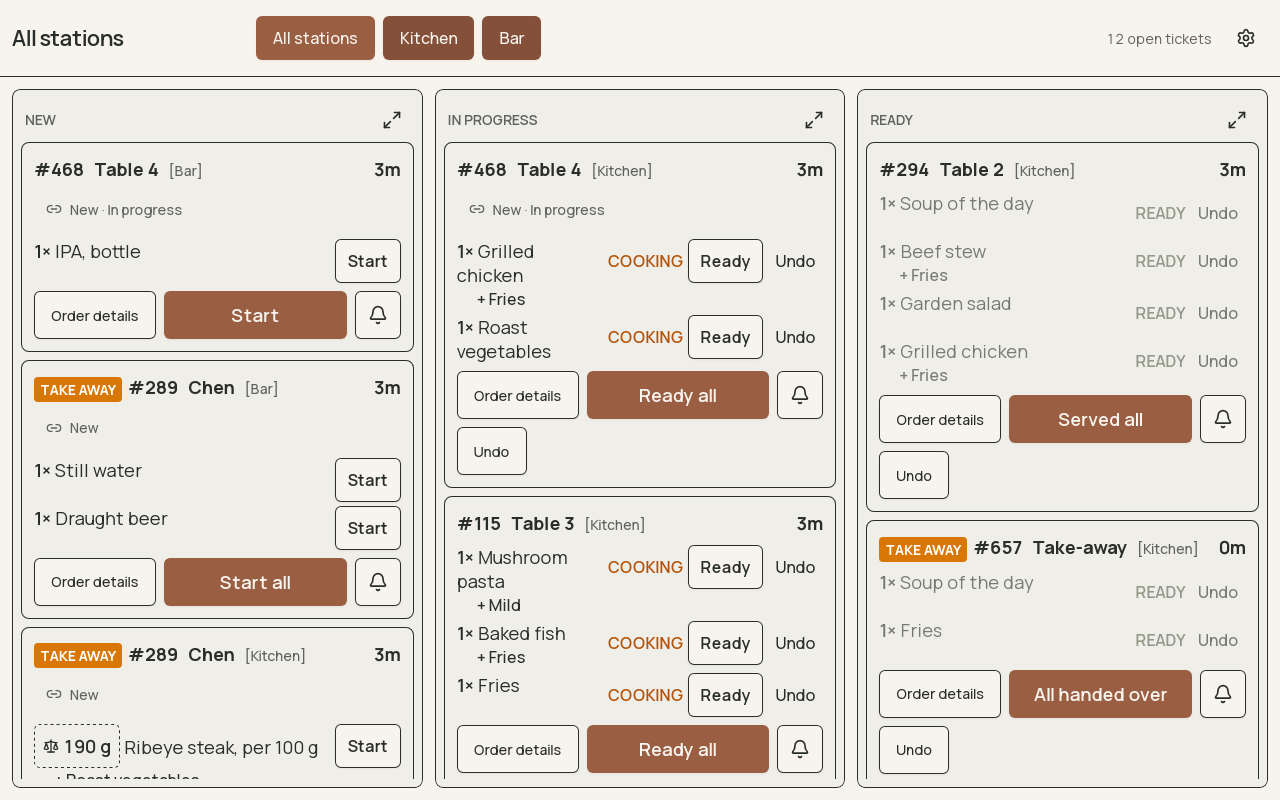
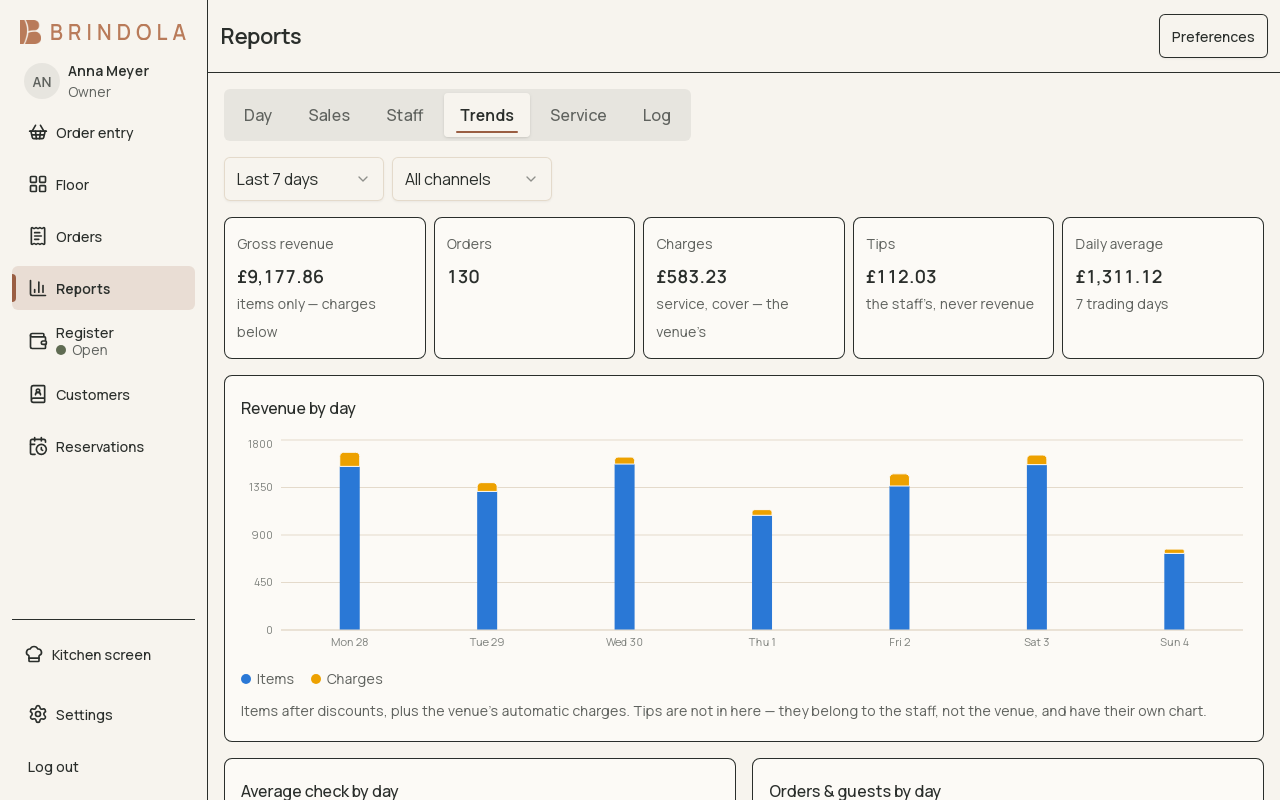
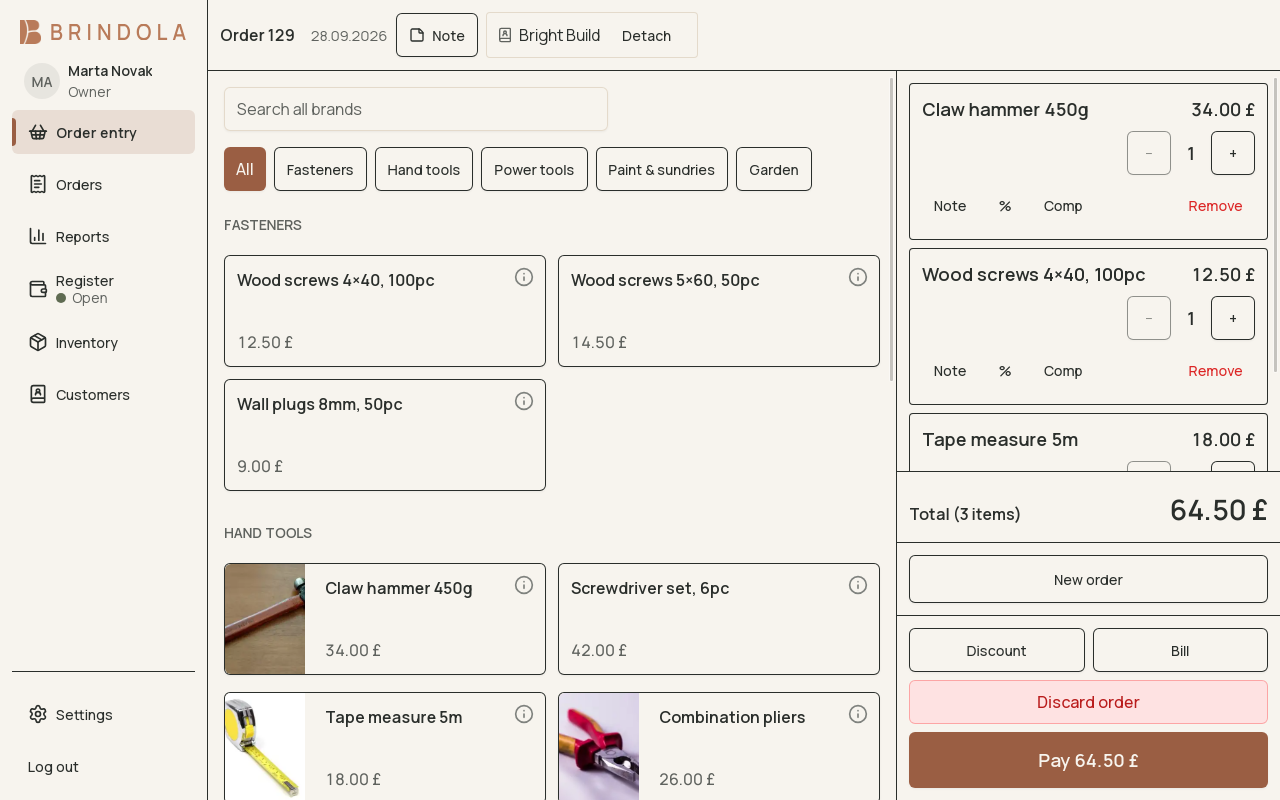
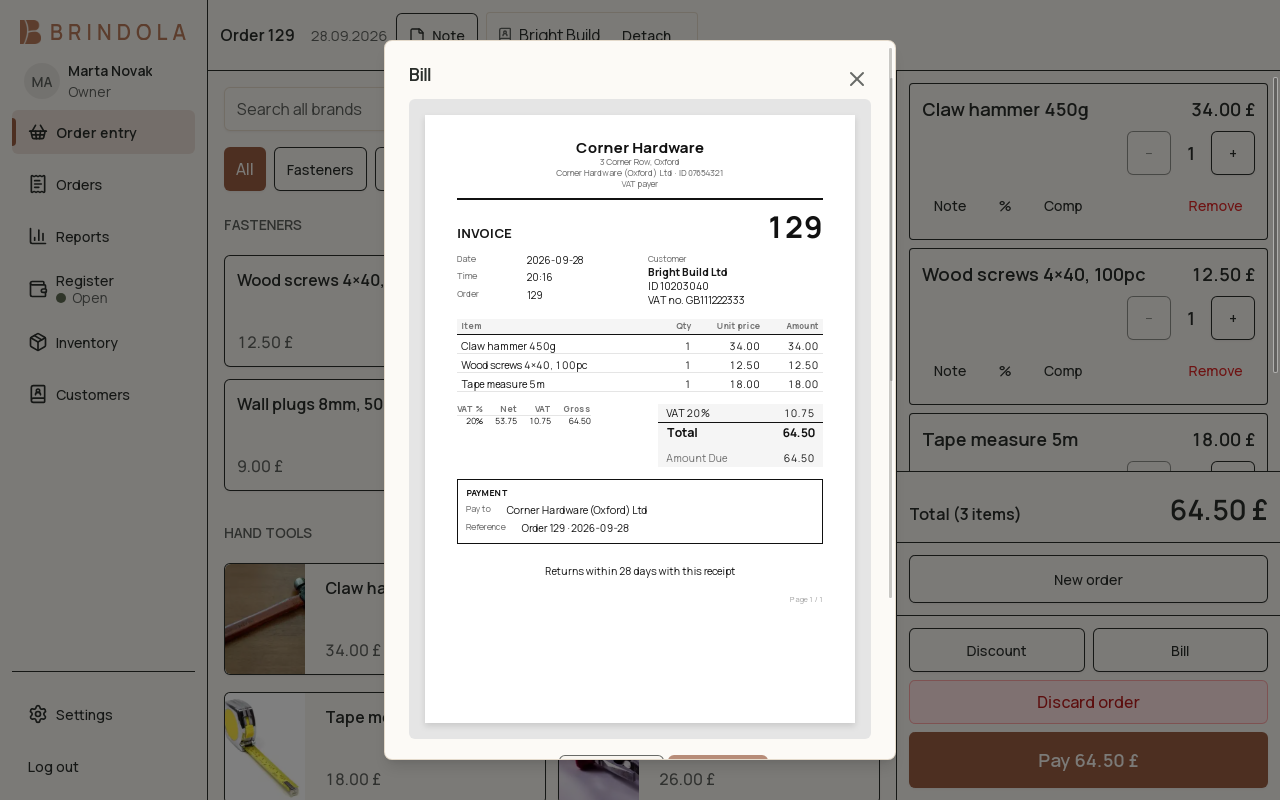
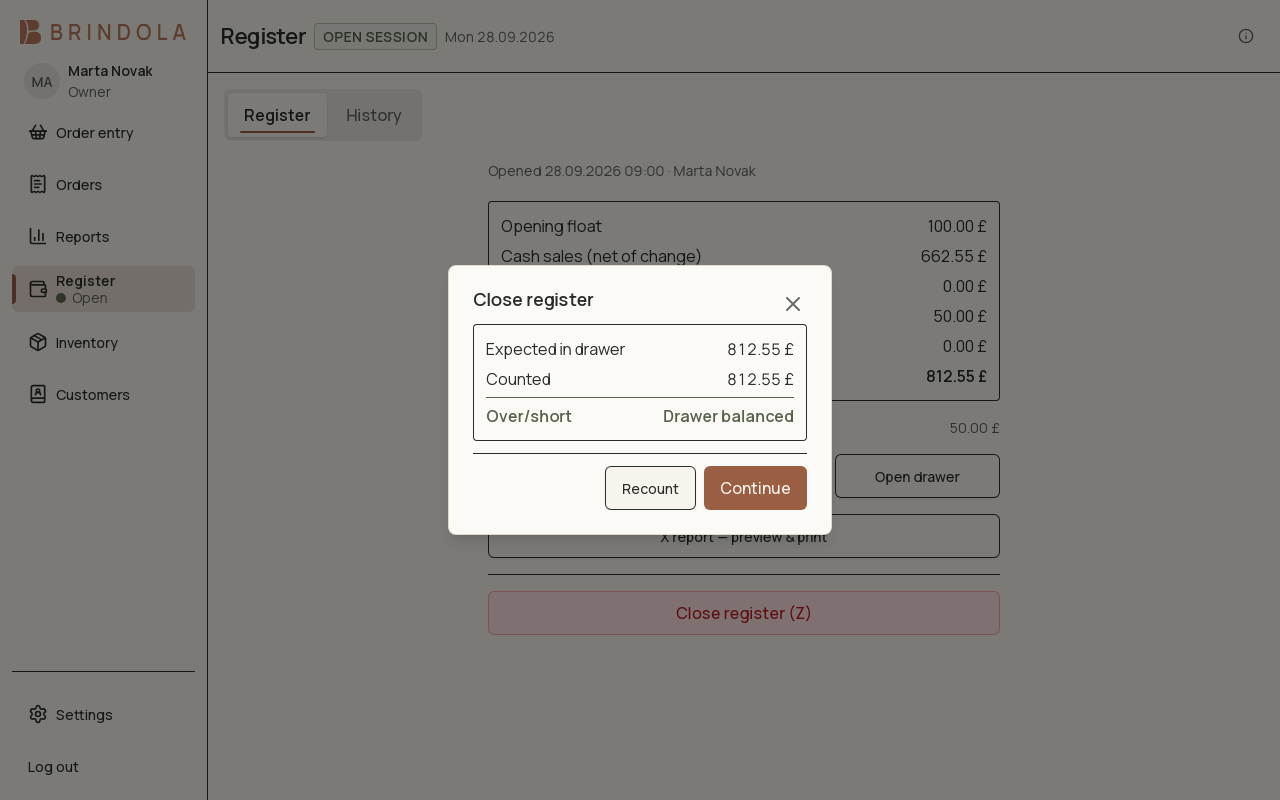
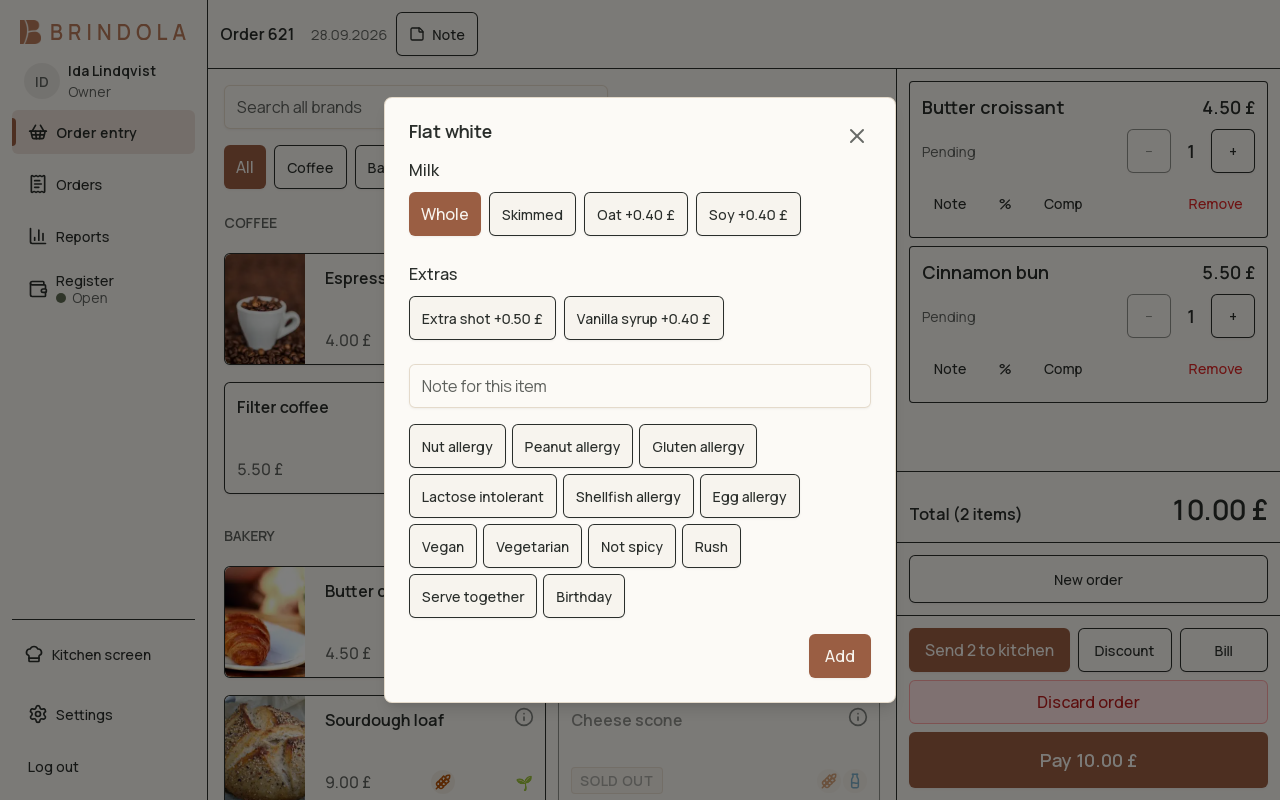

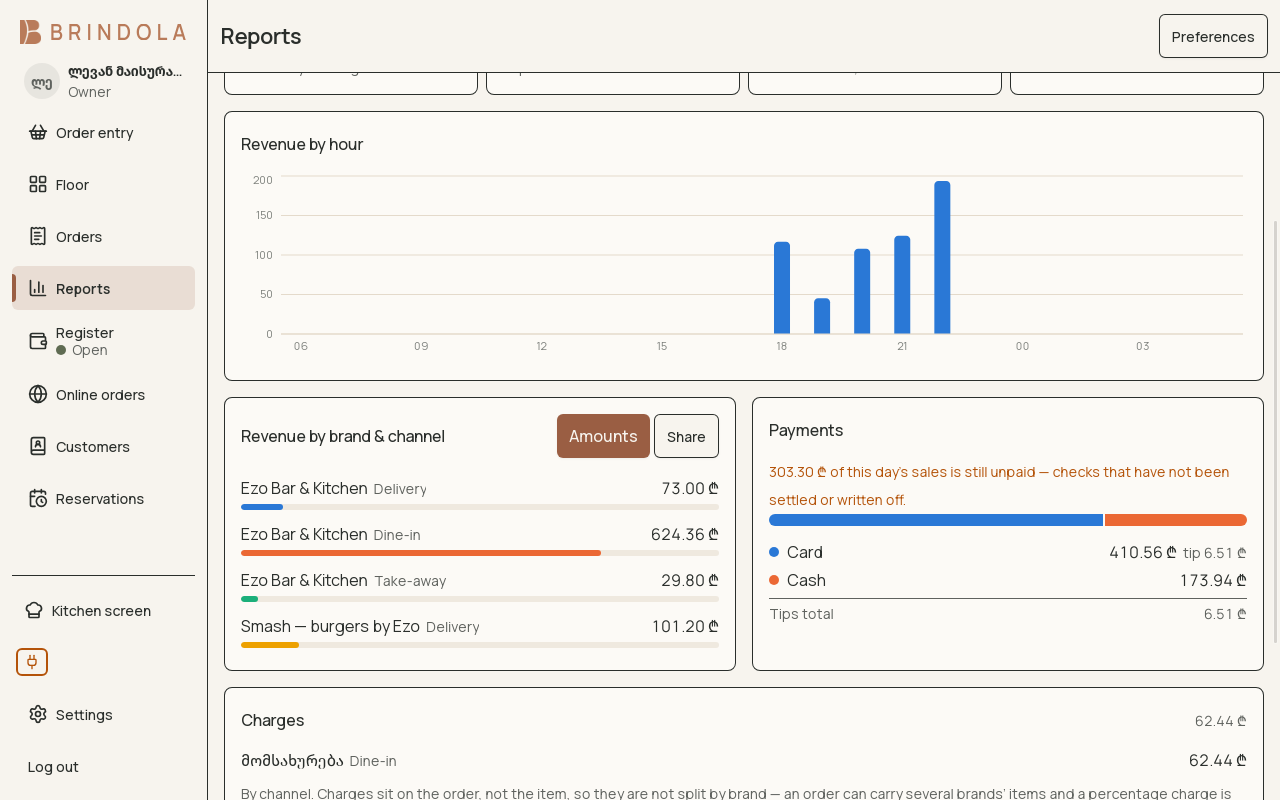
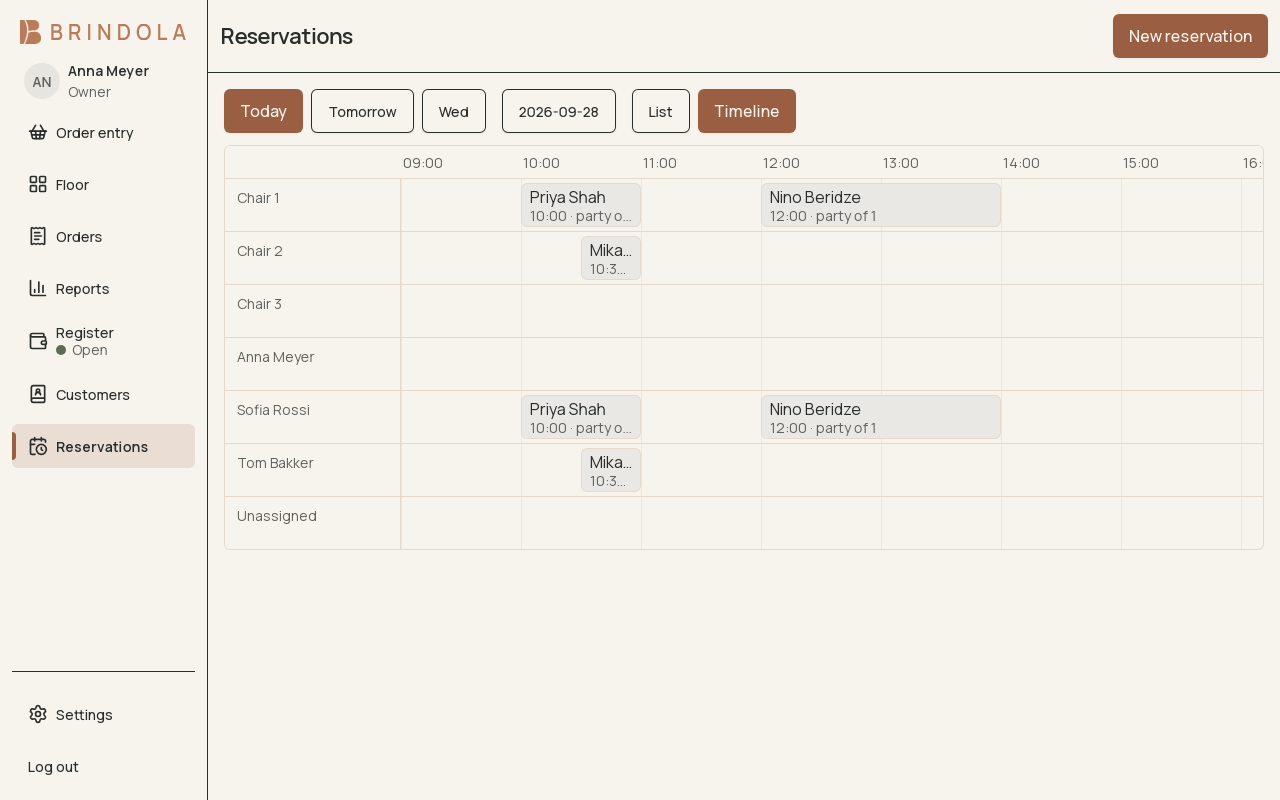
Show me Brindola for
Scroll to explore
Delivery orders
Online orders
Our order bridge connects to delivery platforms, and a platform is named on this page the day it is live in your region, not before. Until then, every delivery order you take by phone or at the counter runs through the same queue described below.
One order inbox
Accept, prepare and hand over orders from the same screen.
Catalog and prices together
Publish your catalog and manage platform prices from your terminal.
Stock and availability in sync
Update stock for stores and sold-out availability for restaurants.
- Accept and prepare
- Ready for collection
Catalog · Prices · Stock & availability
Changes reach each listing through its supported integration.
Not available in Botswana yet
Add-on: Delivery order intake. Delivery intake is an add-on to any plan, counted per order your terminal accepts, per active venue, or both, as the pricing table for your region shows. An order you reject is never counted. There is never a revenue share or a cut of the platform order.
For your venue
The POS for the place you actually run

Restaurants
One Saturday evening, through Brindola
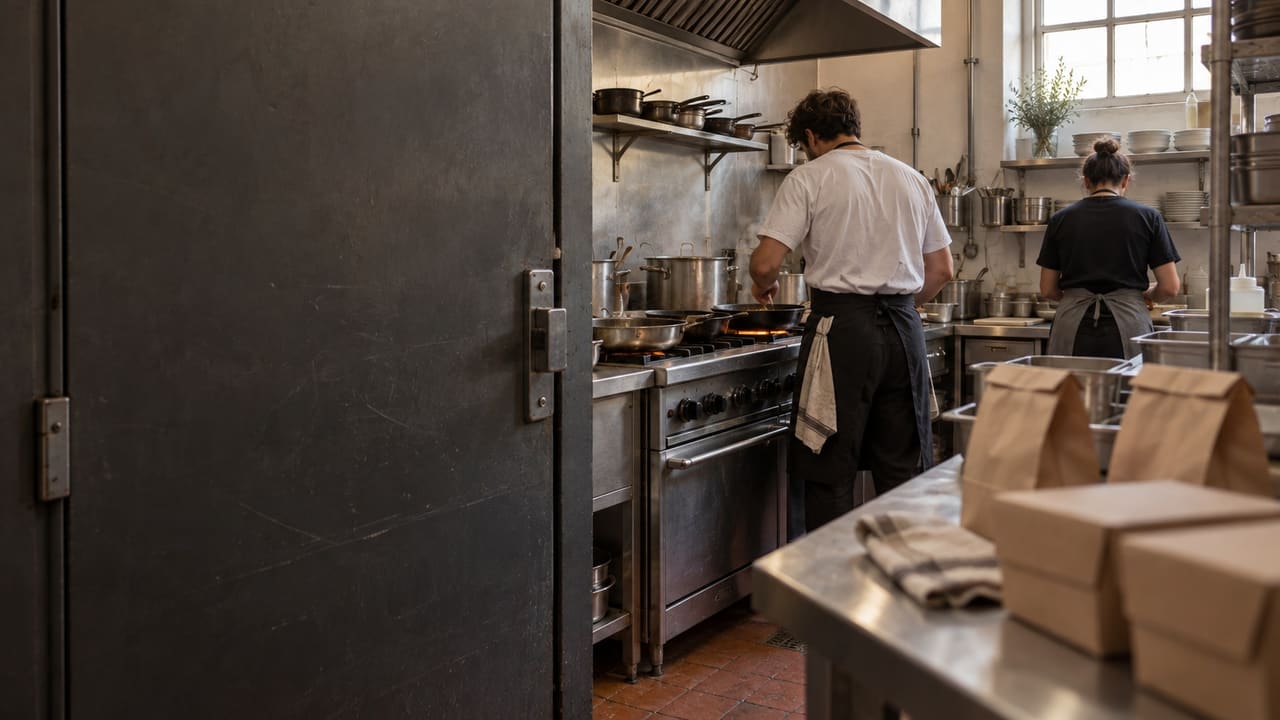
A forty-cover restaurant with two terminals, one kitchen screen and a pass. This is what the software does while the floor does its job.
- A floor plan that matches the room
- Courses, modifiers and shared tables
- A kitchen that sees the ticket once

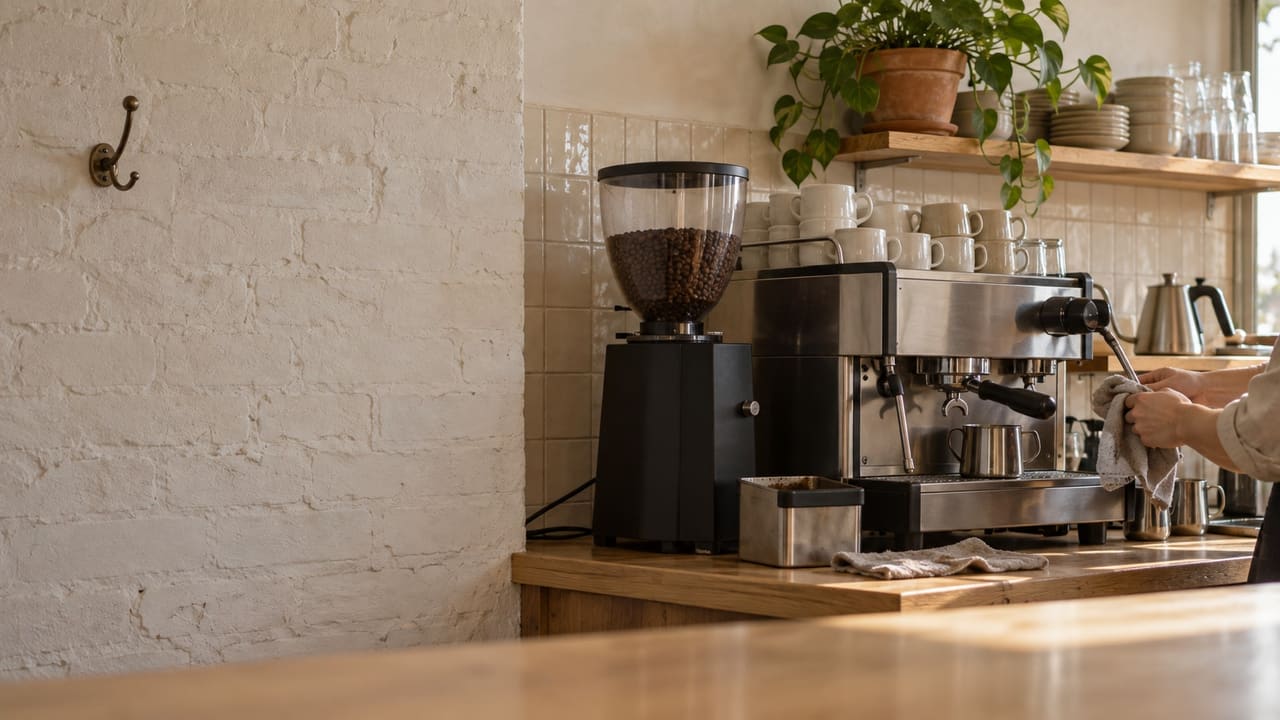
Coffee shops
A Tuesday morning, through Brindola
One counter terminal, a screen behind the espresso machine and a pickup board on the wall. Counter service, no tables to seat.
- A drink in three taps
- A bar screen or a pickup board
- The pastry case, counted

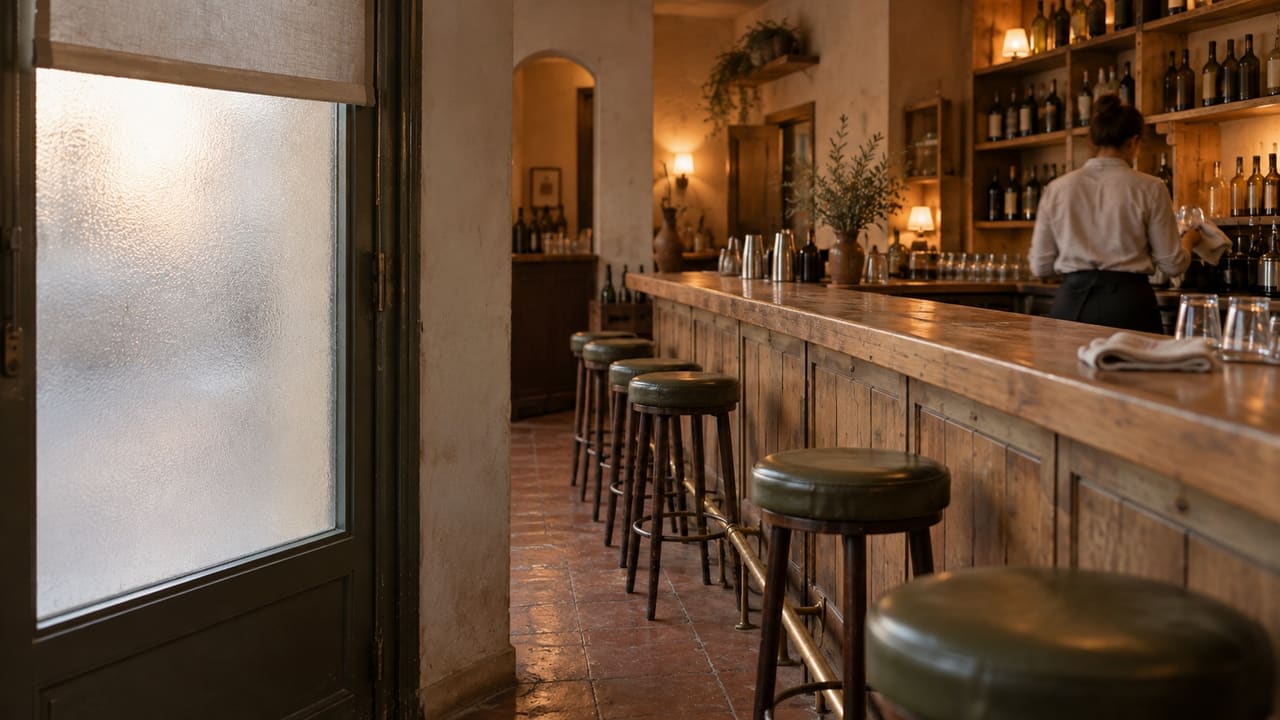
Bars and pubs
A Friday night, through Brindola
A bar with two terminals behind the counter, a screen for the bar, a small kitchen and a terrace. Last orders at one, doors at two.
- Tabs by name, cards held or not
- The bar top is a table
- Age checks that are recorded

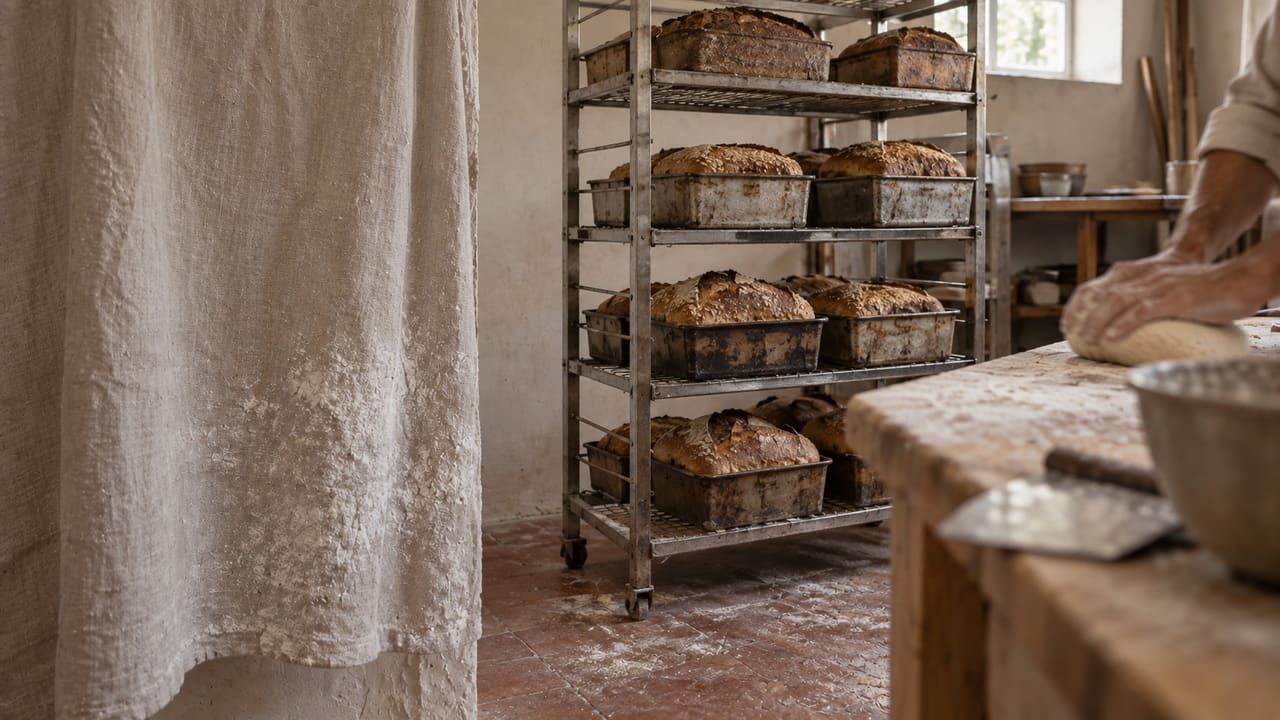
Bakeries
A Saturday at the counter, through Brindola
One counter terminal with a guest display, a second terminal for the weekend, a small café corner with a coffee machine and a pickup board.
- A grid for the counter, not a menu for a table
- Trays that count down
- Receipts and company invoices from the same terminal

Dark kitchens
A dinner peak, through Brindola
One kitchen, three virtual brands, two delivery platforms, a kitchen screen per station and a pass screen by the door.
- Brands as a first-class dimension
- One kitchen screen for Bolt Food and Glovo
- Routing by item, not by brand

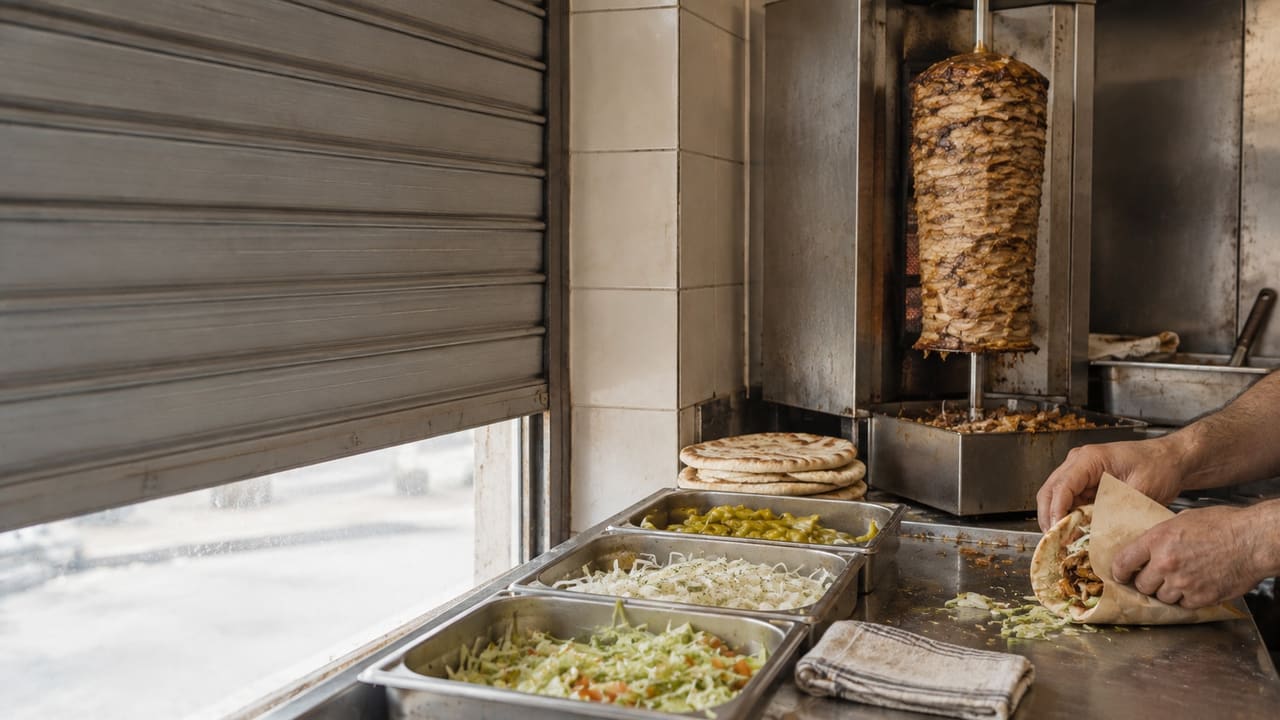
Takeaway counters
A dinner rush, through Brindola
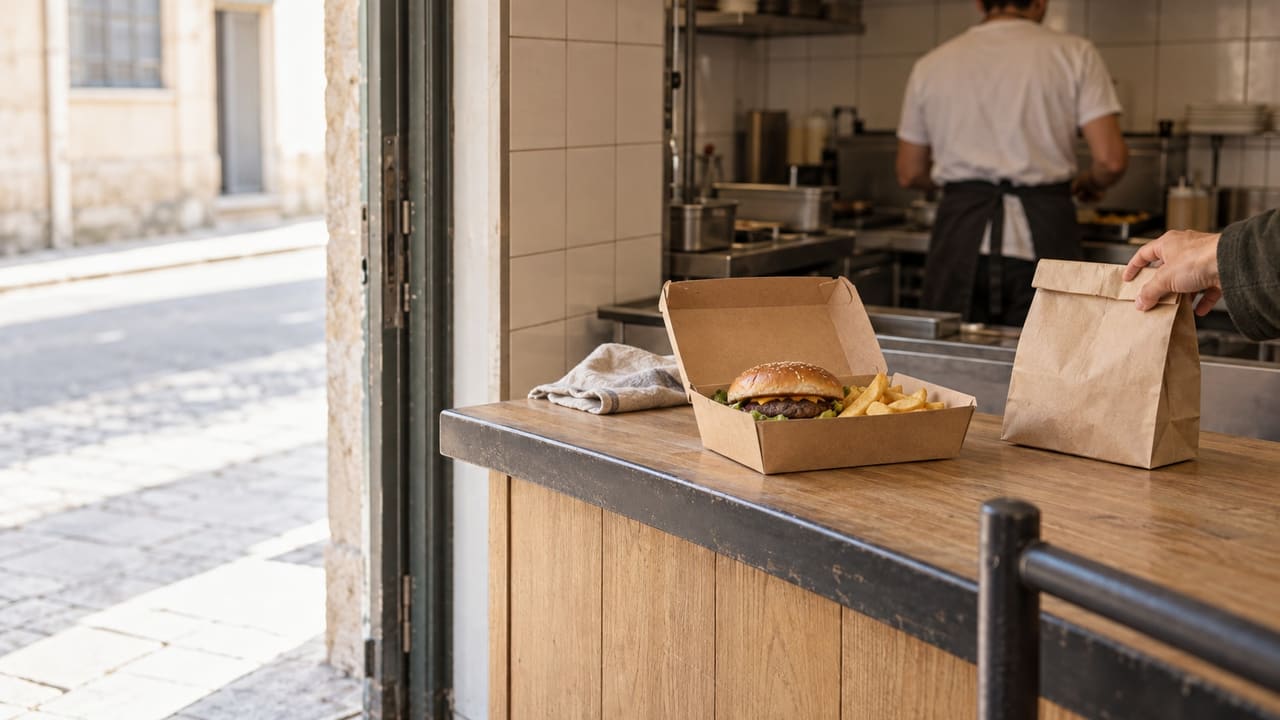
One counter terminal, a kitchen screen, a board over the pickup shelf and two delivery platforms.
- Combos and modifiers in one tap
- A kitchen that cooks in the order paid
- Walk-in, phone and platform on one queue

Pizzerias
A Friday night, through Brindola
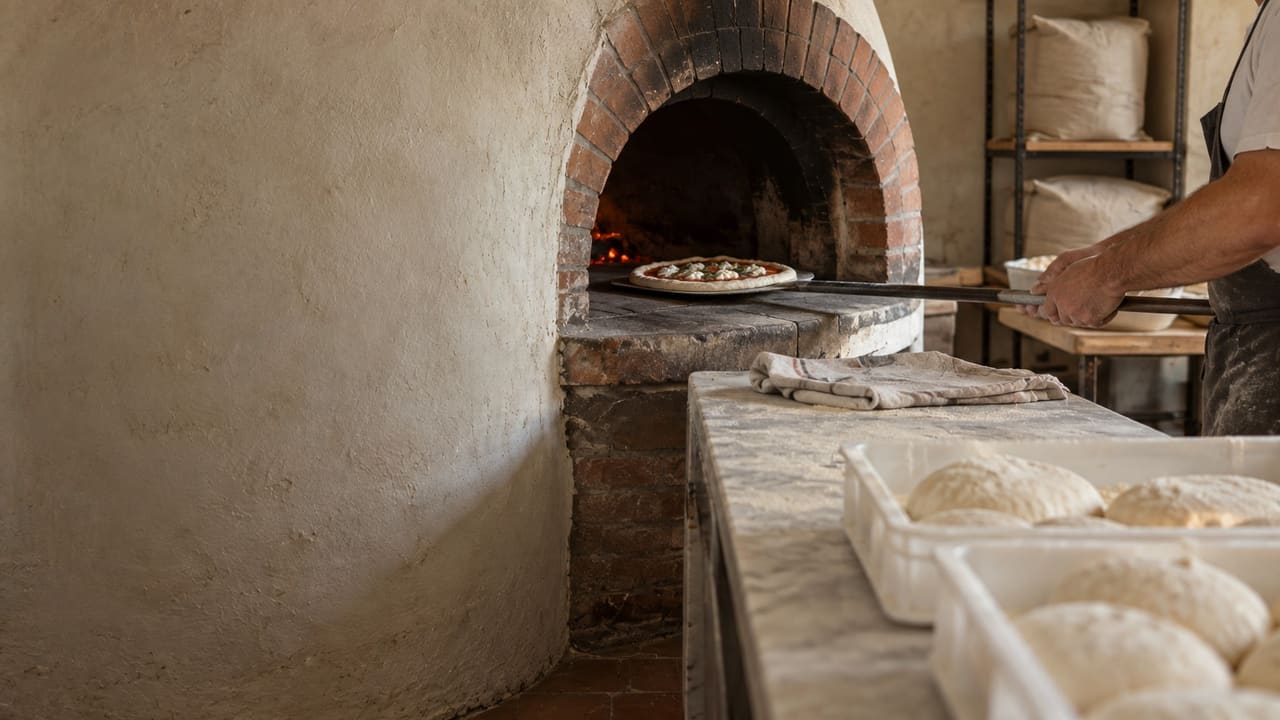
A pizzeria with a small dining room, a counter for collection, one oven screen and three delivery platforms.
- A pizza built in the order it is made
- An oven screen that runs in sequence
- Every delivery app on one screen

Tea houses and shisha lounges
An evening, through Brindola
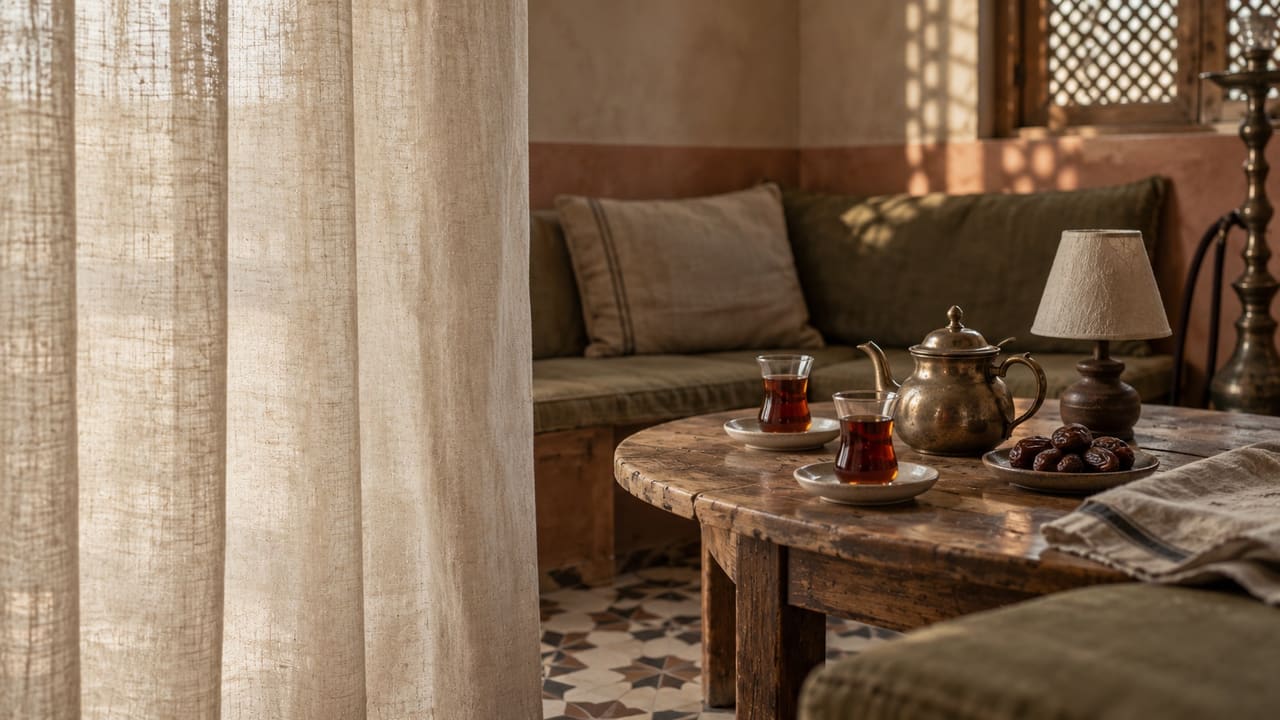
A lounge with an indoor majlis, a terrace, a shisha station, a small kitchen and two terminals.
- Tables held for hours, on a plan you drew
- Rounds added to an open bill
- The shisha station and the kitchen apart

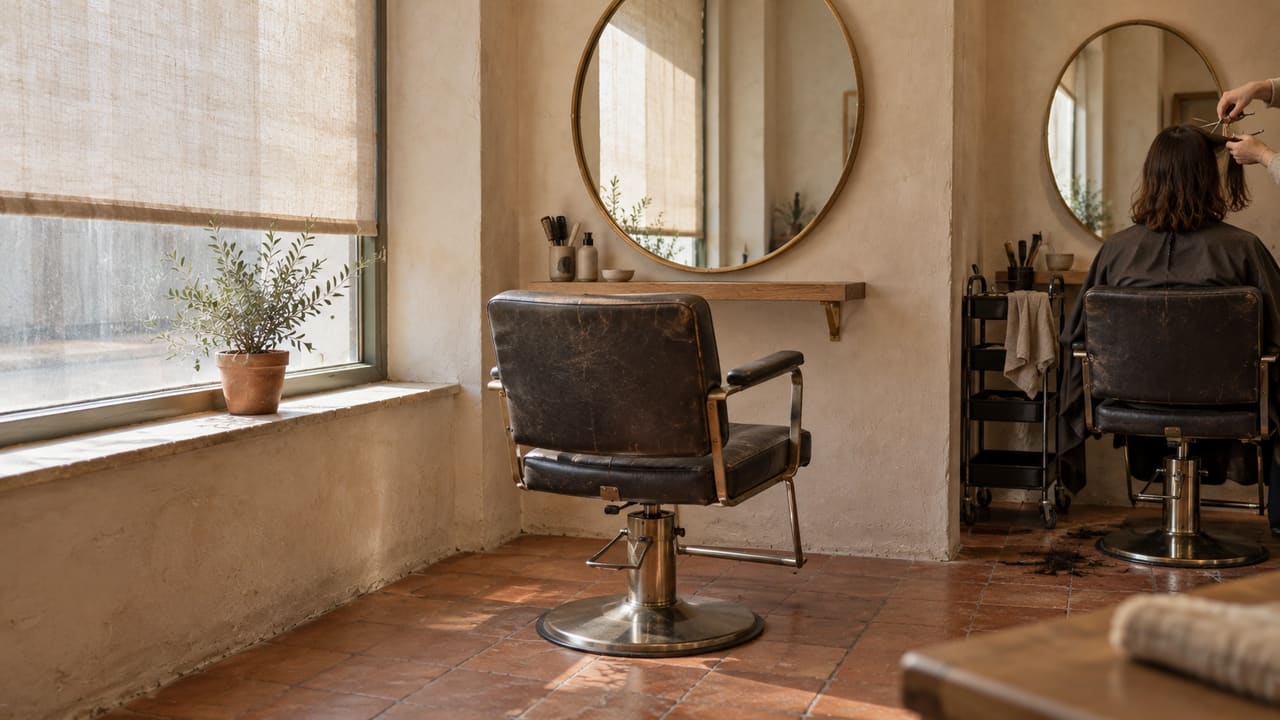
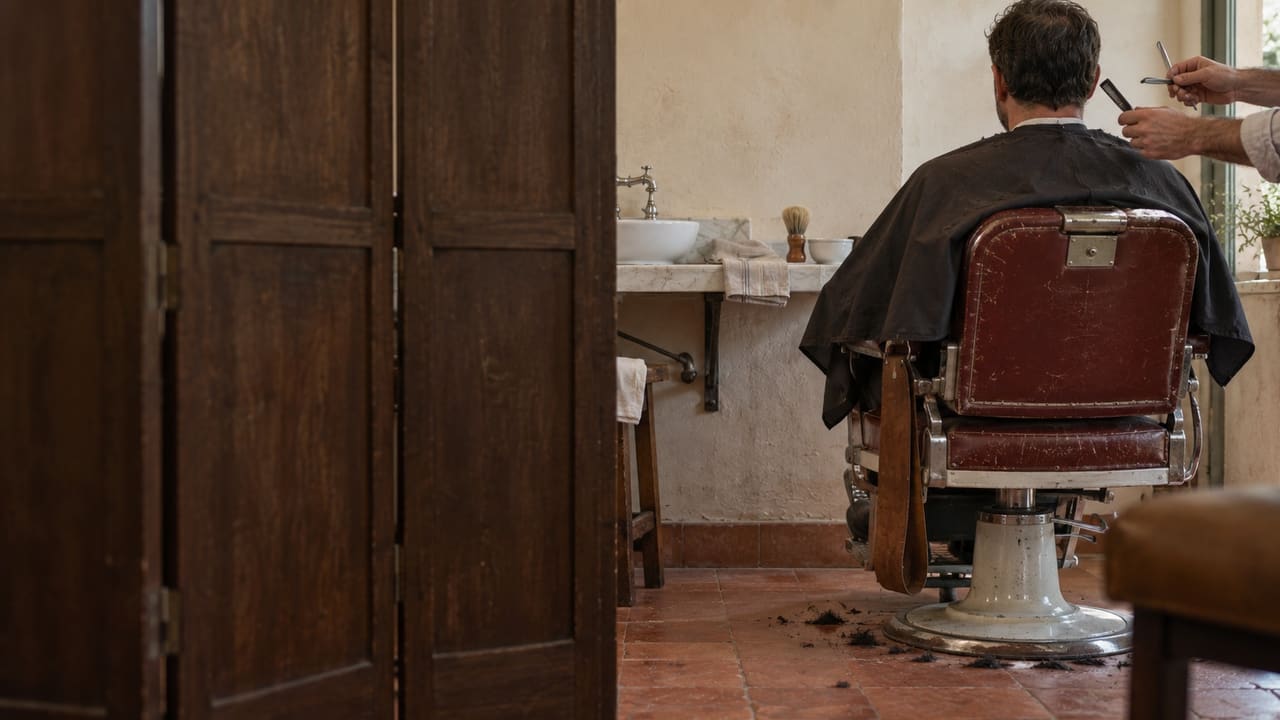
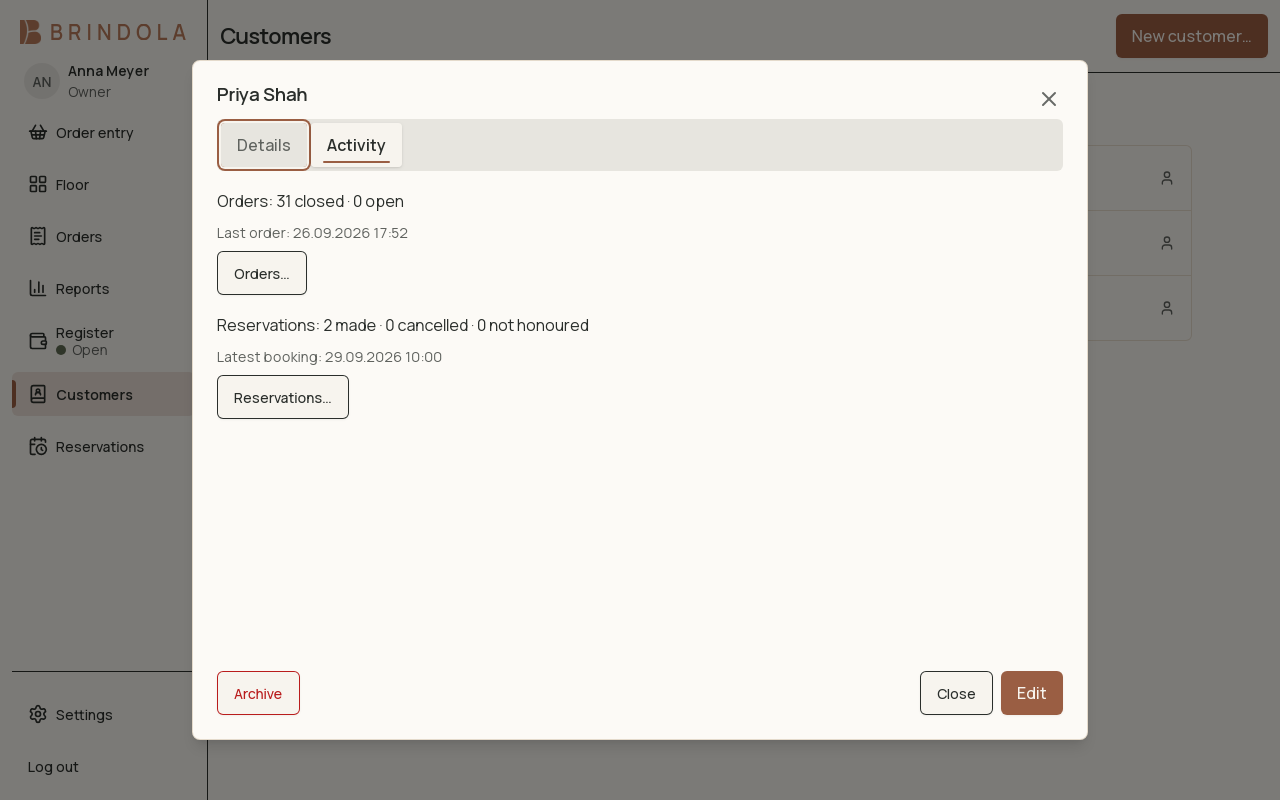
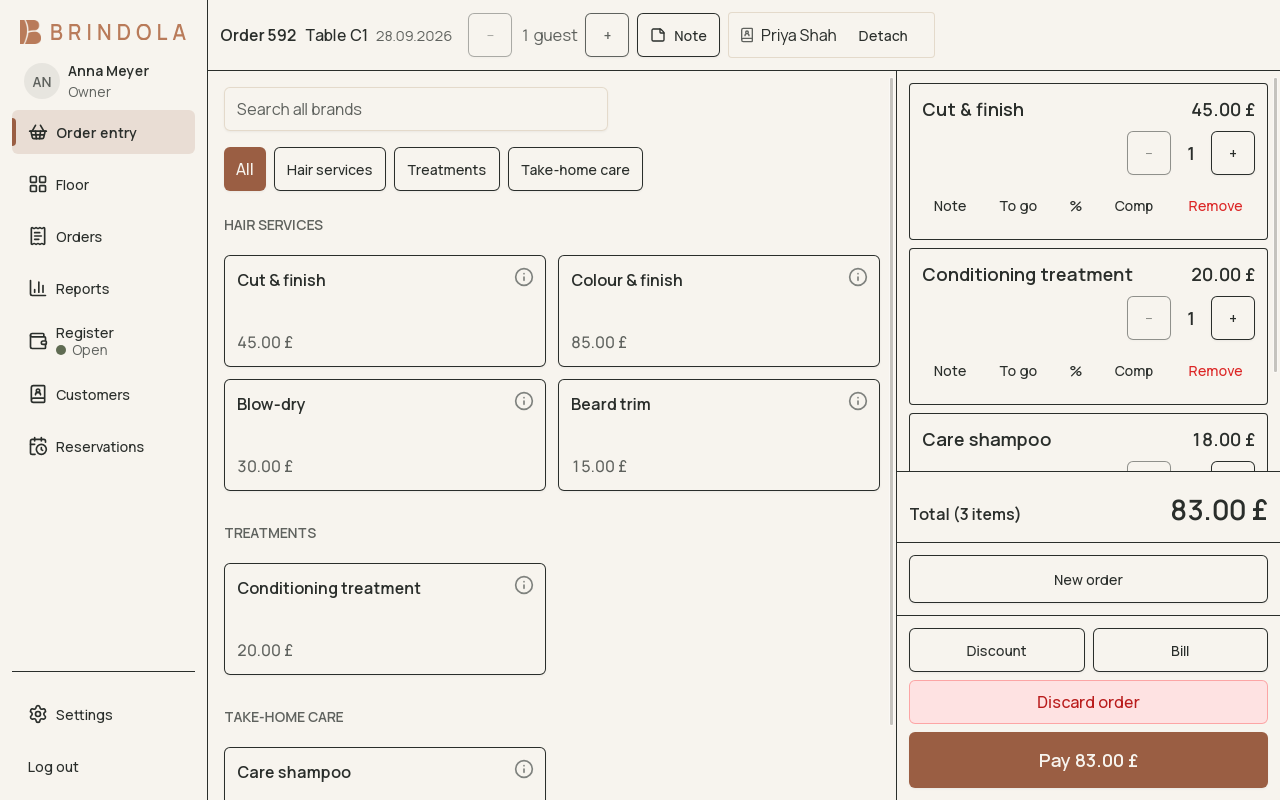
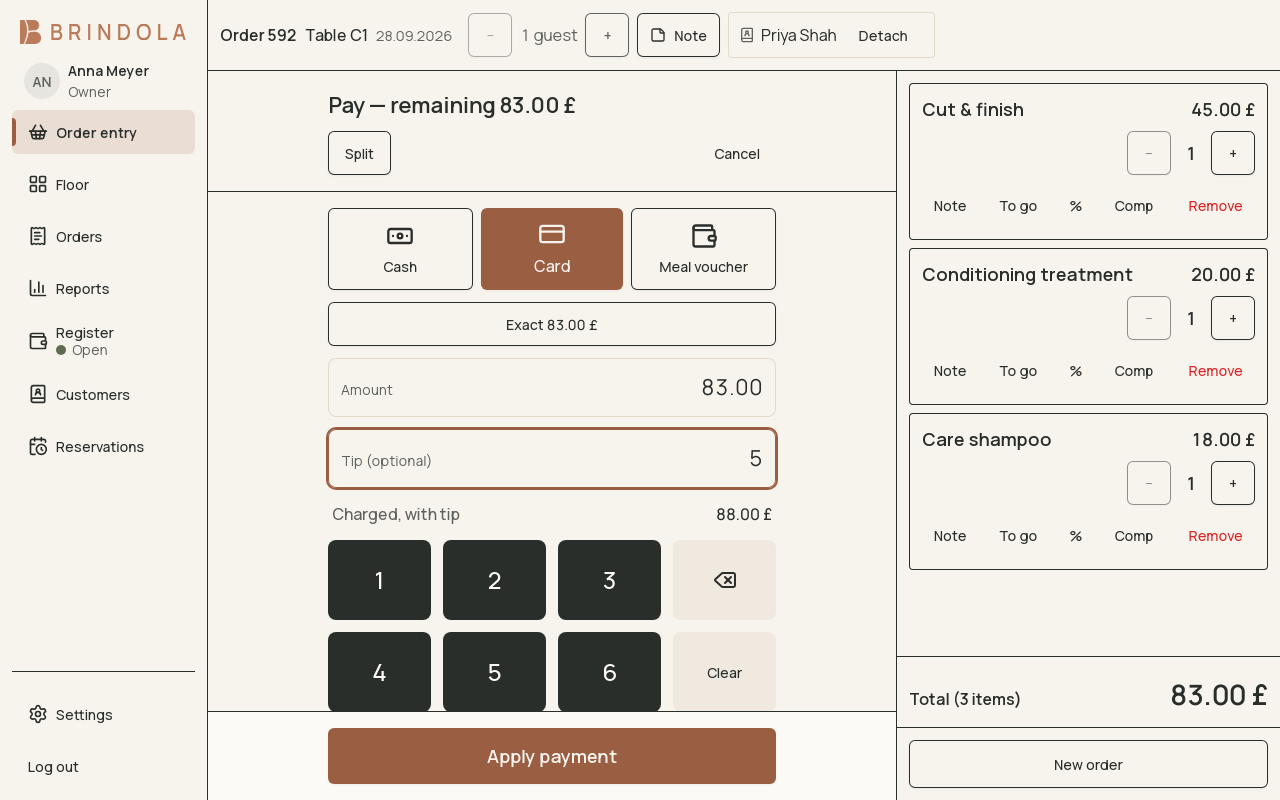
Salons and barbers
A Saturday, through Brindola
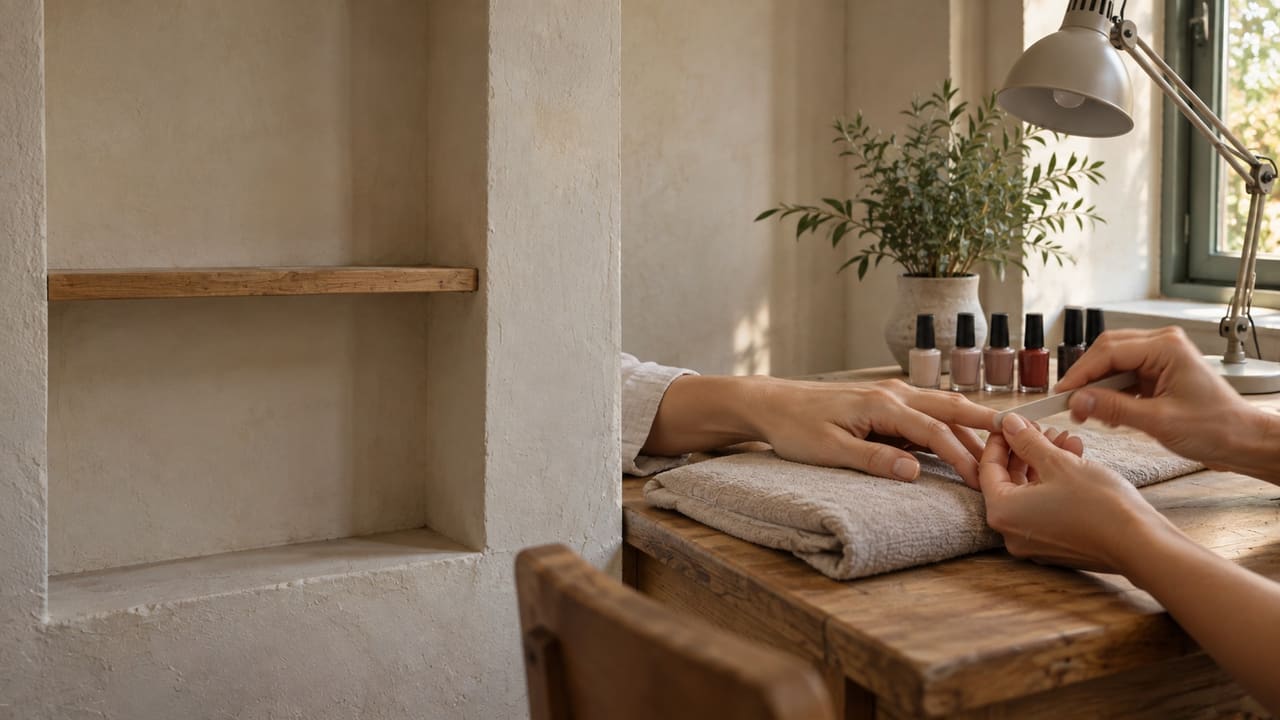
A salon with four chairs, three stylists and a nail technician, one terminal at reception and a retail shelf.
- A book that knows chairs and people
- From booking to bill in one tap
- Clients you recognise

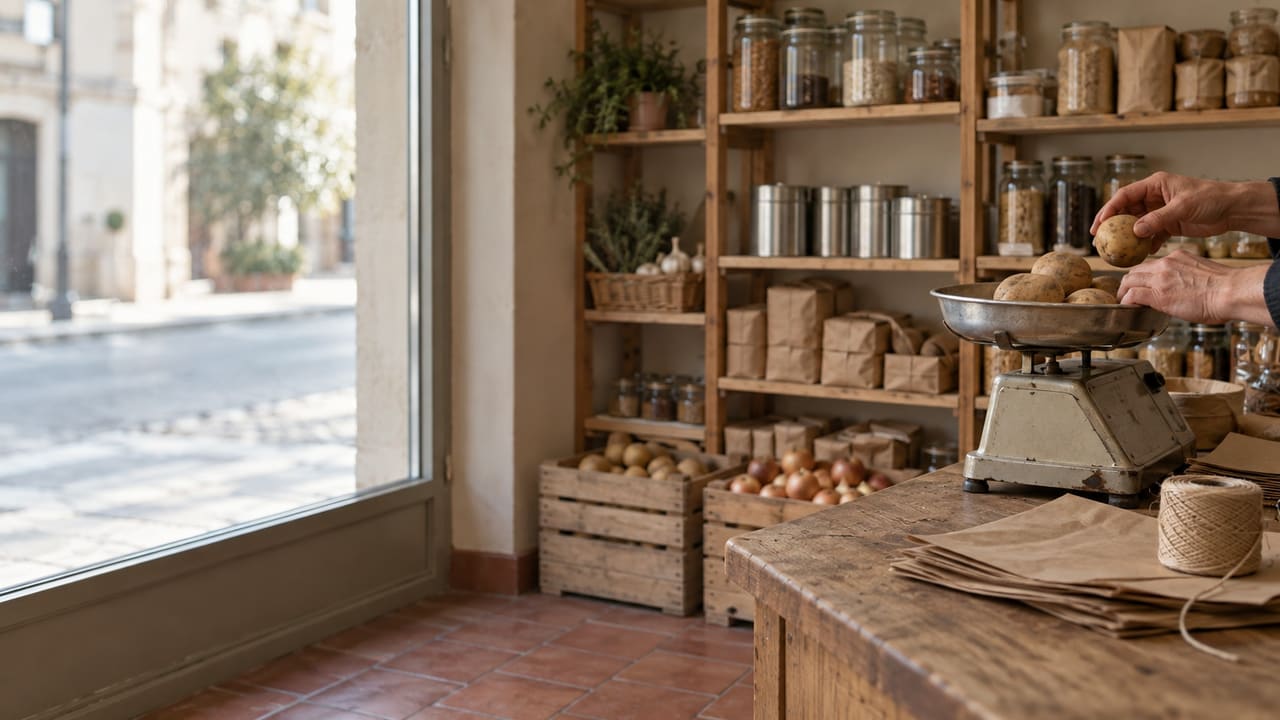
Shops and stores
A morning in a hardware store, through Brindola
One counter terminal with a scanner and a guest display, a second terminal for Saturdays, a shelf of a few thousand products.
- Scan it, or tap it
- A count that follows the sale
- Packs that deplete singles
Fits the way you work
Use your own hardware
Start on an ordinary computer. Add printers and screens when you need them.
HardwareKeep working offline
Orders, kitchen tickets and the close run on your own network.
One device in your venue runs the showBotswana
Built for the venue, not for the vendor
Brindola is the same product in every country it sells in: the ordering, the kitchen and the money are the core. Everything a market needs on top of that (its tax rates, receipts, identifiers and language) is a setting rather than a different build.
See everything Brindola doesYour currency, your rounding, your rates
Any currency Intl knows, with the right number of decimals stamped in at setup, from zero-decimal yen to three-decimal dinar. Multiple VAT rates with a separate rate for take-away, applied line by line. Cash rounding to whatever step your country's smallest coin makes sensible.
Identifiers that match your registry
Company and tax numbers validated against published check digits for about a hundred countries, with EU VAT numbers understood by prefix. Enter a tax number, get the right shape of error before the invoice.
Receipts in your own script
Thermal printers that cannot render your alphabet get a published transliteration instead of a row of question marks. Georgian, Cyrillic, Greek, Armenian and Hebrew all ship. A4 and Letter print from the same engine for invoices and count sheets.
Pricing
One price per venue. We never take a cut of your revenue.
Essentials
One terminal, everything a sale needs
US$49 /month
Plus
The whole product, on as many screens as you run
US$99 /month
Add-on: Delivery order intake. Orders from the delivery platforms arrive straight at your terminal through our order bridge. Add it to any plan.
Three steps to your first service
Install Brindola
Start the trial on your main computer.
Bring your catalog
Import a spreadsheet or add your first products.
Practise a service
Try an order, a payment and the close before opening.
Before you get started
What hardware do I need?
Brindola runs on ordinary desktop hardware. Start with a laptop or desktop, using a mouse and keyboard or a touch screen. A receipt printer and cash drawer are optional. Add equipment as your business grows.
What actually happens when the internet drops?
Nothing on the floor. Orders, kitchen tickets, payments, the register close and the reports all run on a device in your building, so a dead line is not something the software has to cope with. Delivery-platform orders and backoffice sync catch up when the line returns.
What does switching from my current POS involve?
Export your products from the old system as a CSV spreadsheet, map its columns in Brindola and check the preview before anything is imported. Then practise a whole day (an order, a payment, a correction and the close) before your first real service. Your old system's sales history stays where it is; Brindola's starts with your first sale.
Is there a free trial?
Yes. You get fourteen days on the full Plus plan, with no card and no account. Install it, run your own menu on it, and decide. Buying down to Essentials afterwards is a perfectly normal outcome.