
Phones and tablets
Brindola on phones and tablets
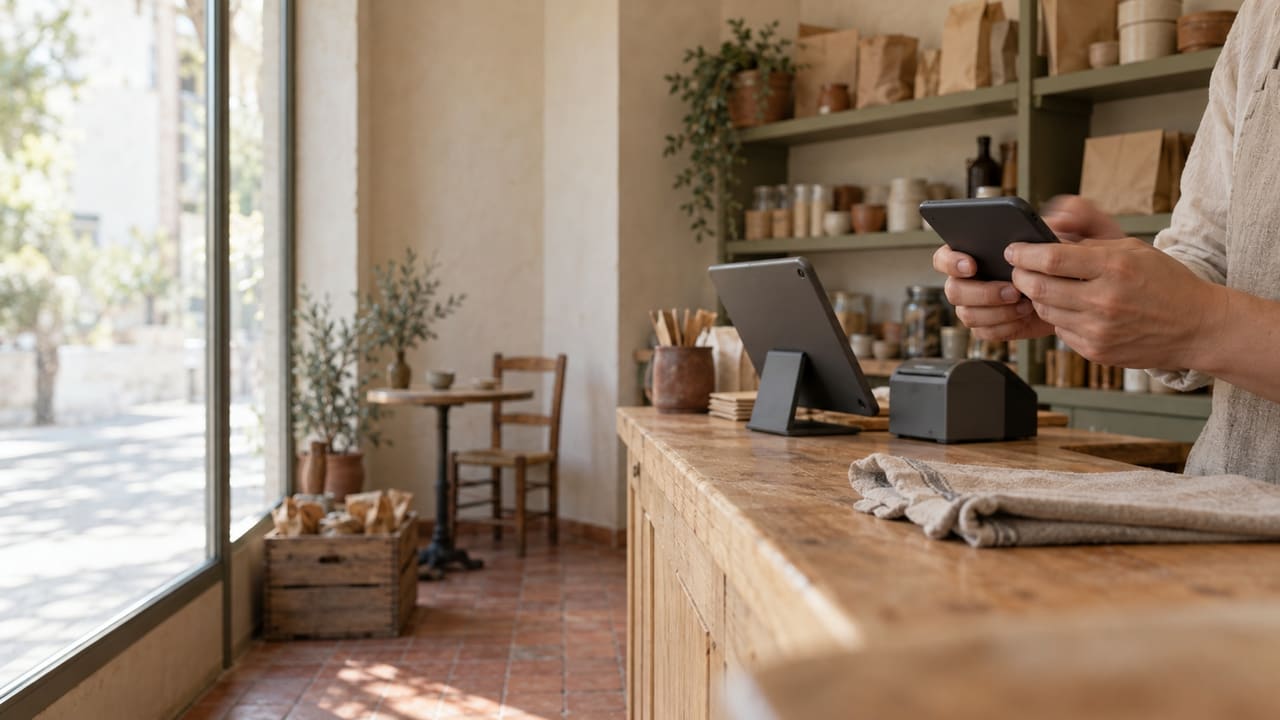
The Brindola app turns a phone or tablet into another screen for your venue, whether you run a restaurant, a café, a shop or a salon. It pairs with the main device at your counter over your own network and keeps working without the internet.
One app, a job for each device
The same app on every phone and tablet. Pair one, choose its job in your venue, and it draws the screen for that job.
A terminal wherever you need one
A tablet works as a second terminal, at the far end of the bar, on the shop floor or at the salon's front desk.
Orders where the guest is
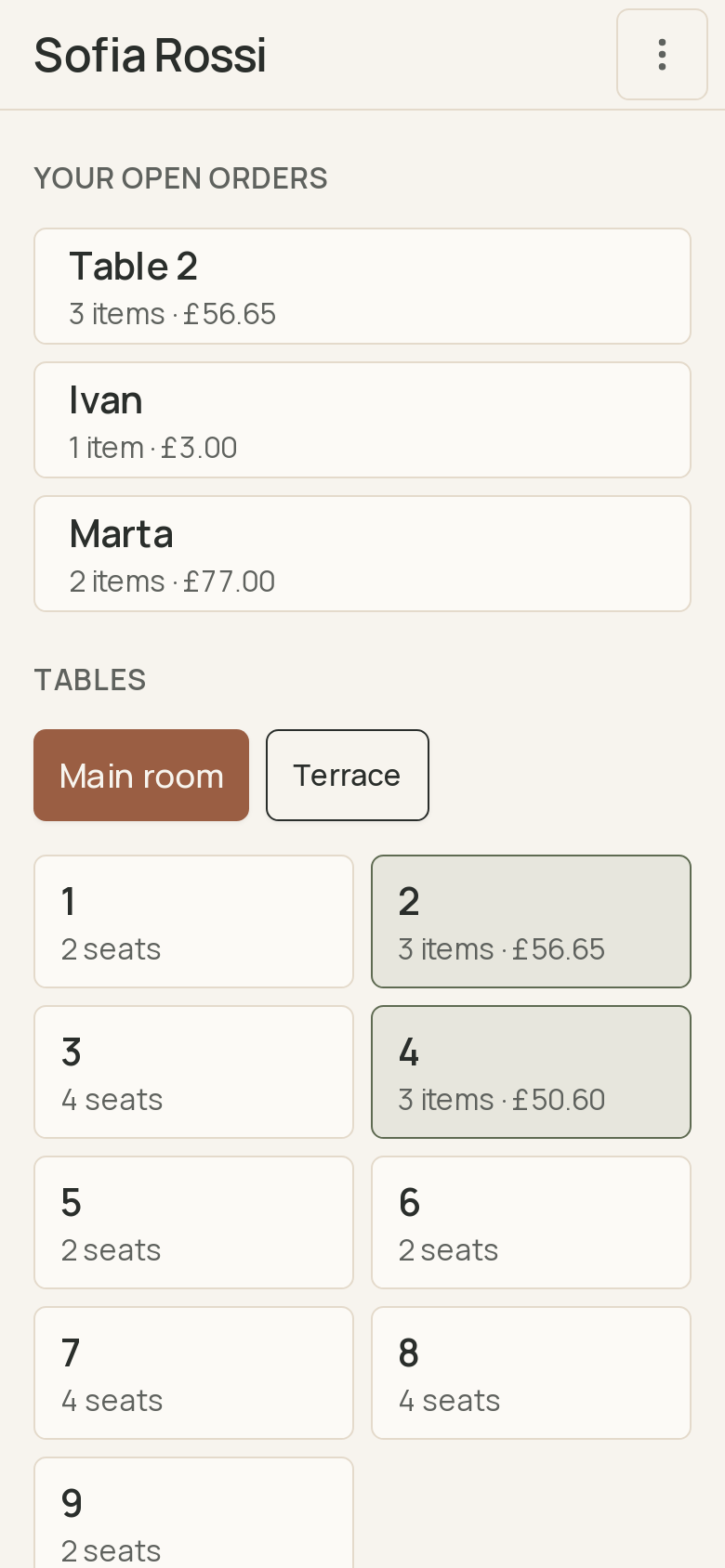
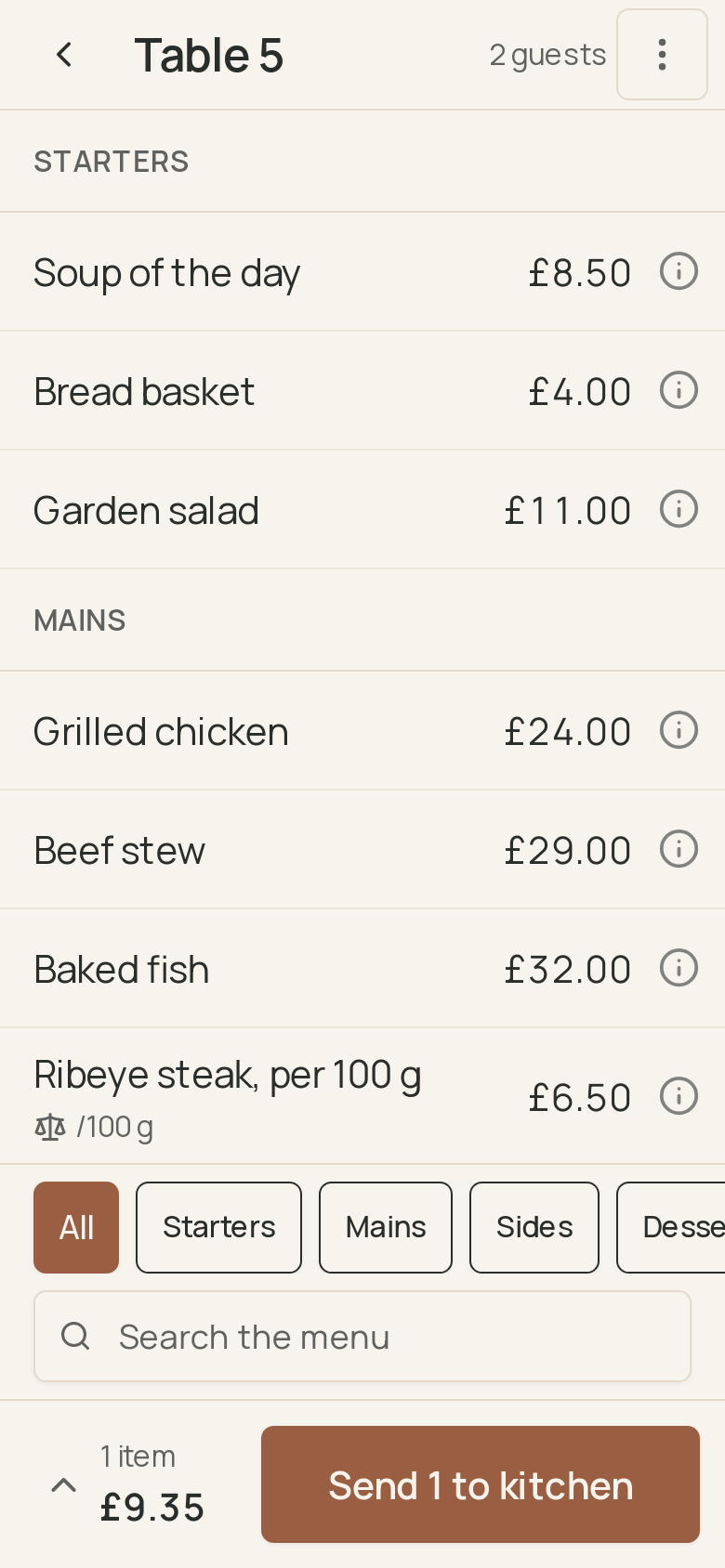
Take the order on a phone, at the table or in the queue, and send it to the kitchen. See what is cooking and what is ready, then call the bill at the counter.
Stock counts and deliveries
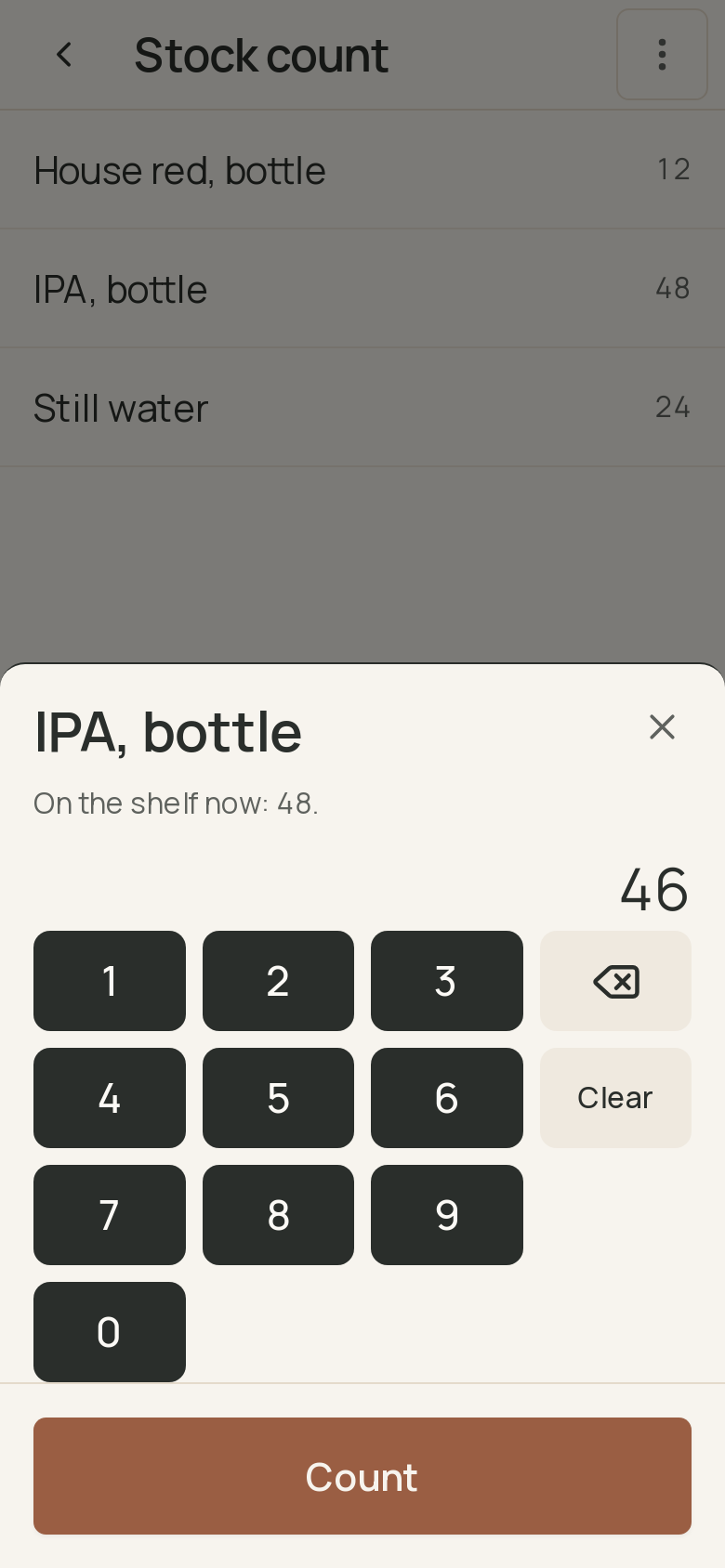
Count the shelves and receive a delivery on a phone or a tablet, in the stockroom or at the back door. On a count, the phone's camera reads the barcodes.
Screens for guests and the kitchen
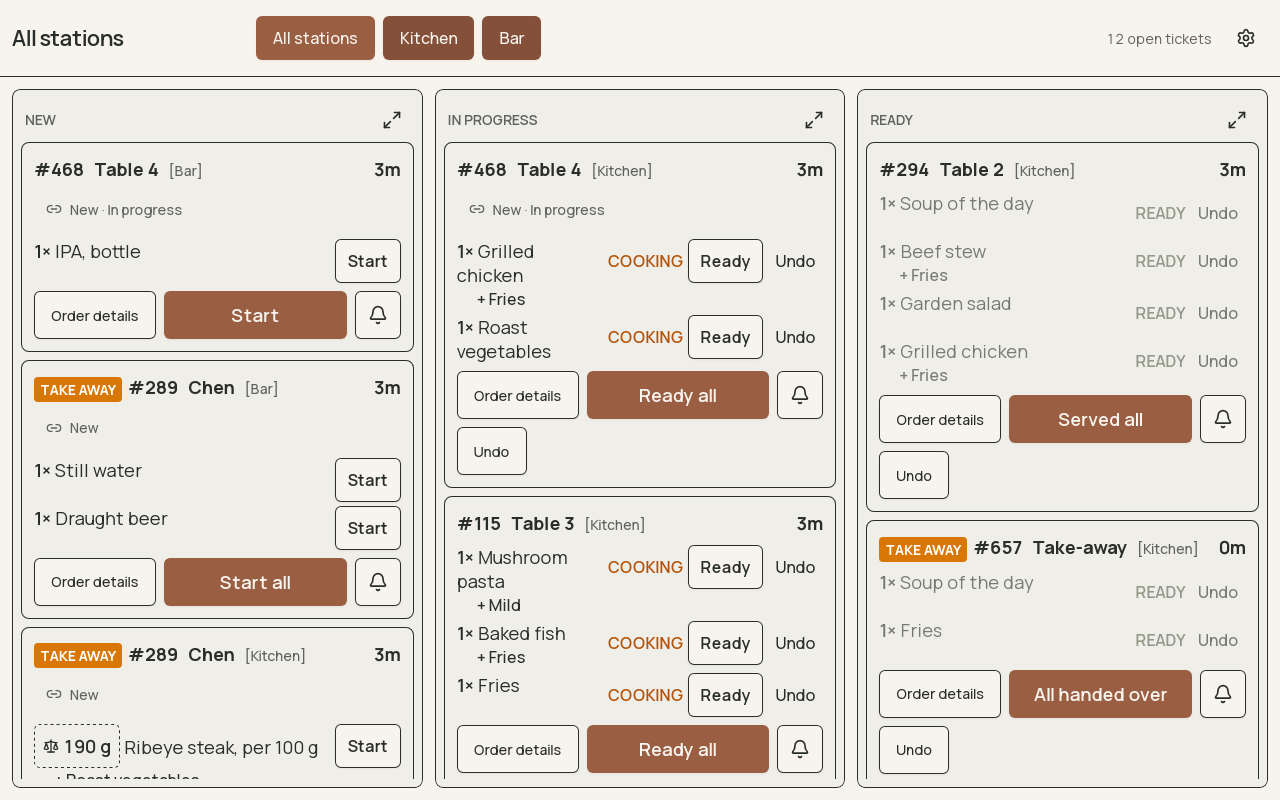
A tablet becomes a kitchen screen, a guest display or pickup board, or a self-service kiosk where guests order for themselves and pay at the counter.
Which device does what
A phone or tablet always works with a main device. That one is a computer at the counter, on power and on your network, because every other screen relies on it.
| Job | Runs on |
|---|---|
| Main device, which runs the venue | A computer at the counter |
| Second terminal | A computer, a tablet or a phone |
| Orders at the table | A tablet or a phone |
| Kitchen screen | A computer or a tablet |
| Guest display or pickup board | A computer or a tablet |
| Self-service kiosk | A computer or a tablet |
| Stock count and receiving | A computer, a tablet or a phone |
Scroll sideways to see all columns
How a phone joins your venue
The app works with the venue you already run. Nothing is set up twice.
Paired with a code
On the main device, show a pairing code and type it into the phone or tablet. It joins your venue with your catalog, tables and staff.
On your own network
Orders travel over your venue's Wi-Fi to the main device, not through the internet, so service carries on when the connection drops.
Each person signs in
Staff sign in with their own PIN, and the main device decides what each of them may do, the same as at the terminal.
Questions about the app
Can a phone or tablet run the venue on its own?
No. The main device is a computer at the counter. The app pairs with it, so a phone or tablet always works alongside one.
Does the phone take payments?
No. The phone takes the order and calls the bill. The bill prints at the counter, and the guest pays there.
Is there an iPhone app?
Yes. The same app runs on iPhone and on Android phones and tablets, with the same jobs on each.
Does it need the internet?
No. The app talks to the main device over your venue's own network. Taking an order, sending it to the kitchen and calling the bill all work without an internet connection.
What does it cost?
The app itself is free. Each phone or tablet you pair counts toward your plan's device allowance, and pairing devices beyond the main one takes Plus or Enterprise.
What does the app keep on the phone?
Only what its job needs, such as the catalog, the tables, the staff list with scrambled PINs and the day's orders. It sends nothing to us, and it forgets your venue when you remove the device on the main device. The privacy policy has the details.
Setting up, or looking for how a screen works? The documentation walks through every one. Documentation
Start with the counter
The app joins a Brindola venue. Install Brindola on a computer, try the full Plus plan free for fourteen days, then pair a phone or a tablet.