
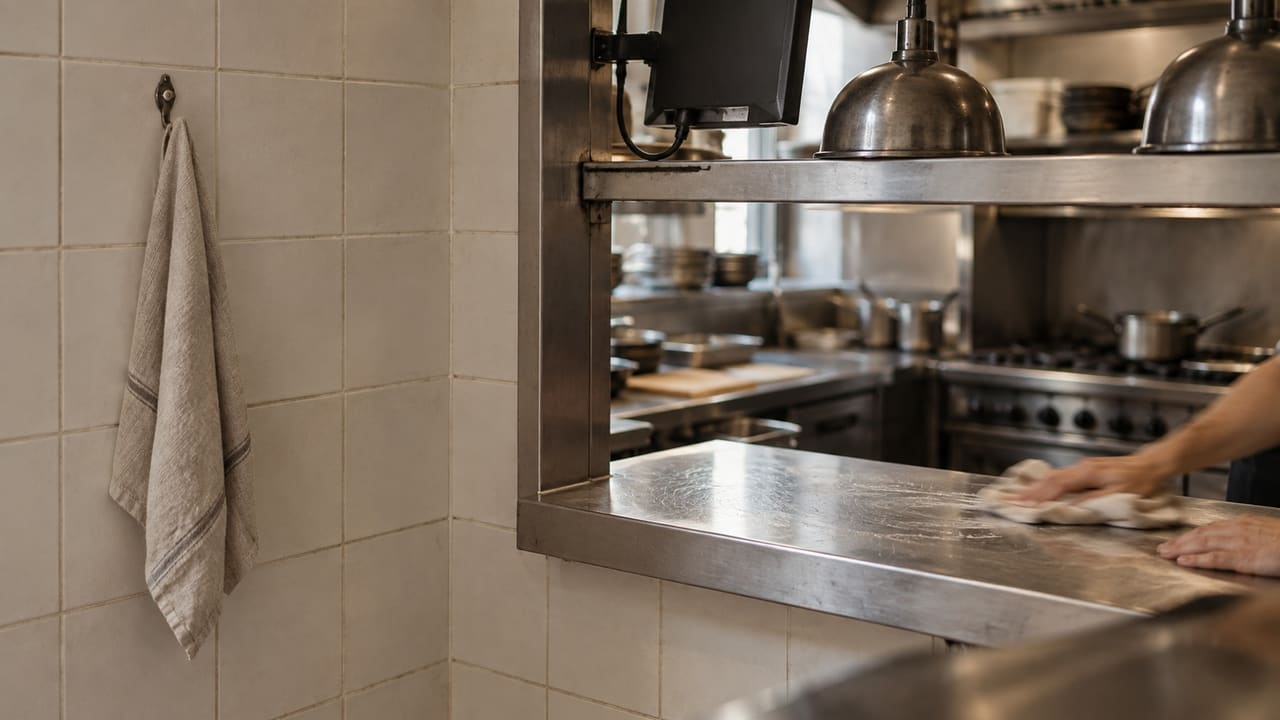
From one counter to a whole venue
Choose the equipment that serves your team. You can start small and add more devices with Plus.
One counter
Install Brindola on a laptop or desktop. Take orders, record payments and close the day. Save receipts as PDFs, email them or print on an office printer.
A busy counter
Add a touch screen, barcode scanner or thermal printer for faster everyday work. Connect a cash drawer through its printer if you need one.
Several terminals and a kitchen
Connect additional terminals, kitchen screens and guest displays over your own network. Place printers where the work happens and route kitchen tickets to each station.
What works with Brindola
Match the connection and the job, then try your actual equipment. The download page lists the packages currently available.
| Equipment | Compatibility and setup |
|---|---|
| Computer | Windows, Linux or macOS desktop app. Choose an available installer for your operating system and processor. |
| Screen and input | Mouse and keyboard or a touch monitor. A dedicated POS terminal is optional. |
| Thermal printer | ESC/POS receipt and kitchen printers, 57/58 mm or 80 mm, over supported network, USB or operating-system printing paths. |
| Office printer | A laser or inkjet printer installed in your operating system, with an A4 or Letter document profile. |
| Barcode scanner | Scanners that enter barcodes like a keyboard. Check a real product code in Brindola before service. |
| Scale | Labels from any labelling scale, with the weight or the price in the barcode. USB scales of the POS scale class (Mettler Toledo, Datalogic, Zebra, Brecknell, Dymo) weigh at the terminal. Where the law requires a certified system to price a sale from the scale, use the labels. |
| Cash drawer | A compatible drawer connected through the printer that opens it. |
| Additional screens | Paired terminals, kitchen and guest displays on your own network, within your plan’s device allowance. |
| Phones and tablets | Phones and tablets, Android or iPhone, with the Brindola app, paired with your main device. A phone takes orders at the table and counts stock; a tablet can also be a terminal, a kitchen screen, a guest display or a kiosk. |
| Self-service kiosk | A touch monitor or an all-in-one touch PC on a stand, running the desktop app and paired as a kiosk on your own network; it counts toward your plan’s device allowance. A receipt printer beside it is optional and prints the guest’s order number. |
| Cameras | UniFi Protect or compatible RTSP cameras, with the Cameras module configured. |
Scroll sideways to see all columns
Before reusing an older computer
Install the available desktop package for your system; the main terminal is an installed app. Use 1280 × 800 or larger as a display starting point, and check the controls at your normal text scale. Try your catalog, a payment and printing on the actual machine. CPU, memory and storage needs depend on the catalog, history and extra screens; no fixed numerical minimum has been published. For several devices, use a reliable local network and keep the main computer awake during service.
A receipt printer is optional
Give customers a receipt on a thermal roll, an ordinary A4 or Letter page, or by email as a PDF. You can also save the PDF. Choose what fits the counter and the customer.
Thermal roll
A compact receipt at the counter, with optional automatic printing when an order closes.
Ordinary paper
Print an A4 or Letter document on demand through your operating system. Configure the printer queue; Windows also needs a PDF reader that supports printing through the system.
Email or PDF
Save a PDF without a printer. Email needs a configured sending account; queued messages wait for a connection before delivery.
Questions before you choose
Can I use an older laptop?
An existing laptop can be a practical starting point. Install the trial and try your own catalog and daily tasks before buying new equipment.
Can I keep my card terminal?
A standalone terminal can sit beside Brindola: take the payment there and record it in the terminal. Automatic terminal integration depends on your provider and country. Check the regional setup guide for payment and fiscal equipment.
Setting up, or looking for how a screen works? The documentation walks through every one. Documentation
From download to your first sale
Set up Brindola on your own computer, bring in your products and try a complete sale before opening. You choose which tools your venue uses.