
Get Brindola onto your counter
Install Brindola on your laptop, desktop or dedicated POS terminal. Use touch or a mouse and keyboard; printers are optional. Choose an available package below and start the fourteen-day Plus trial.
Start with the counter
The app joins a Brindola venue. Install Brindola on a computer, try the full Plus plan free for fourteen days, then pair a phone or a tablet.
For this device
Linux
Any recent 64-bit desktop Linux, as one AppImage: download, mark it runnable, open it.
For this device
macOS
One installer for each kind of Mac.
- Apple SiliconMacs with an M-series chip, 2020 and later.Coming soon
- IntelMacs from before the M-series.Coming soon
Phones and tablets
The app works with the venue you already run. Nothing is set up twice.
For this device
Android
The Brindola app for phones and tablets: a waiter's order screen, a kitchen screen, a guest display or a kiosk, paired with your main device.
Works with what is on the counter
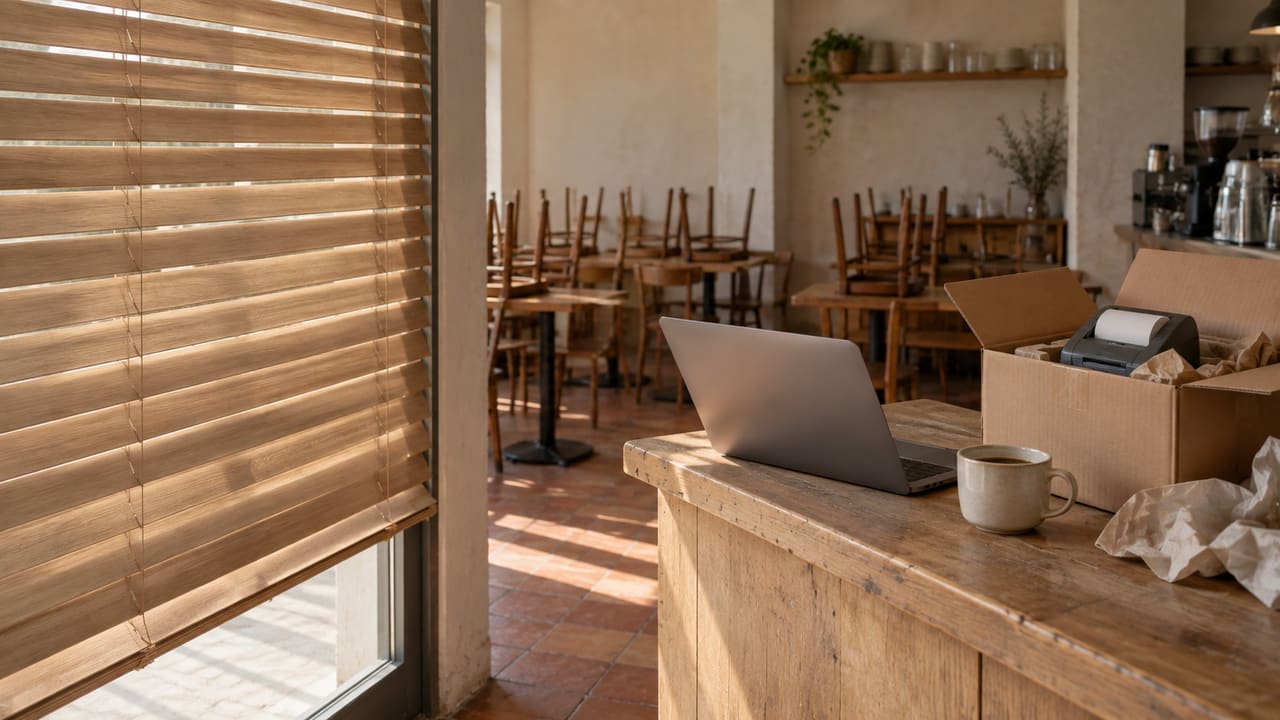
Brindola runs on ordinary desktop hardware. Start with a laptop or desktop, using a mouse and keyboard or a touch screen. A receipt printer and cash drawer are optional. Add equipment as your business grows.
A touch screen
Any 1280 × 800 or larger touch monitor, or an all-in-one touch PC. A mouse and keyboard work too.
A receipt printer is optional
Give customers a receipt on a thermal roll, an ordinary A4 or Letter page, or by email as a PDF. You can also save the PDF. Choose what fits the counter and the customer.
A cash drawer
Kicked through the printer that owns it, counted at close.
A card terminal
Your bank's terminal beside the terminal; integrated where the country module has the bank.
See what it costs first
One price per venue and never a share of your sales. The first fourteen days on the full Plus plan are free.
Setting up, or looking for how a screen works? The documentation walks through every one. Documentation